8 Free Sound Effect Sites for YouTubers Who Cannot Afford Premium Audio
8 free sound effect websites, exactly what each licence allows on YouTube, and 3 free tools to edit your sounds.
On this page
Good sound effects can make an average video feel professional: a clean whoosh on a transition, a click on a button, soft rain behind your voice. But picking the wrong website can get you a copyright claim.
Here are 8 free sound effect websites, exactly what each licence allows, and 3 free tools to edit your sounds.
At a glance
| # | Site | OK for a monetized channel? | Credit needed? |
|---|---|---|---|
| 1 | Mixkit | Yes | No |
| 2 | Pixabay | Yes | No |
| 3 | Freesound | Depends on the sound’s licence | CC BY: yes, CC0: no |
| 4 | Sonniss GDC bundles | Yes | No |
| 5 | SoundBible | Depends on the sound’s licence | Attribution sounds: yes |
| 6 | Orange Free Sounds | Yes, per the site | Check each page |
| 7 | FreeSFX | Yes, mixed into your video | Yes |
| 8 | BBC Sound Effects | No | — |
Where to find sounds
1. Mixkit
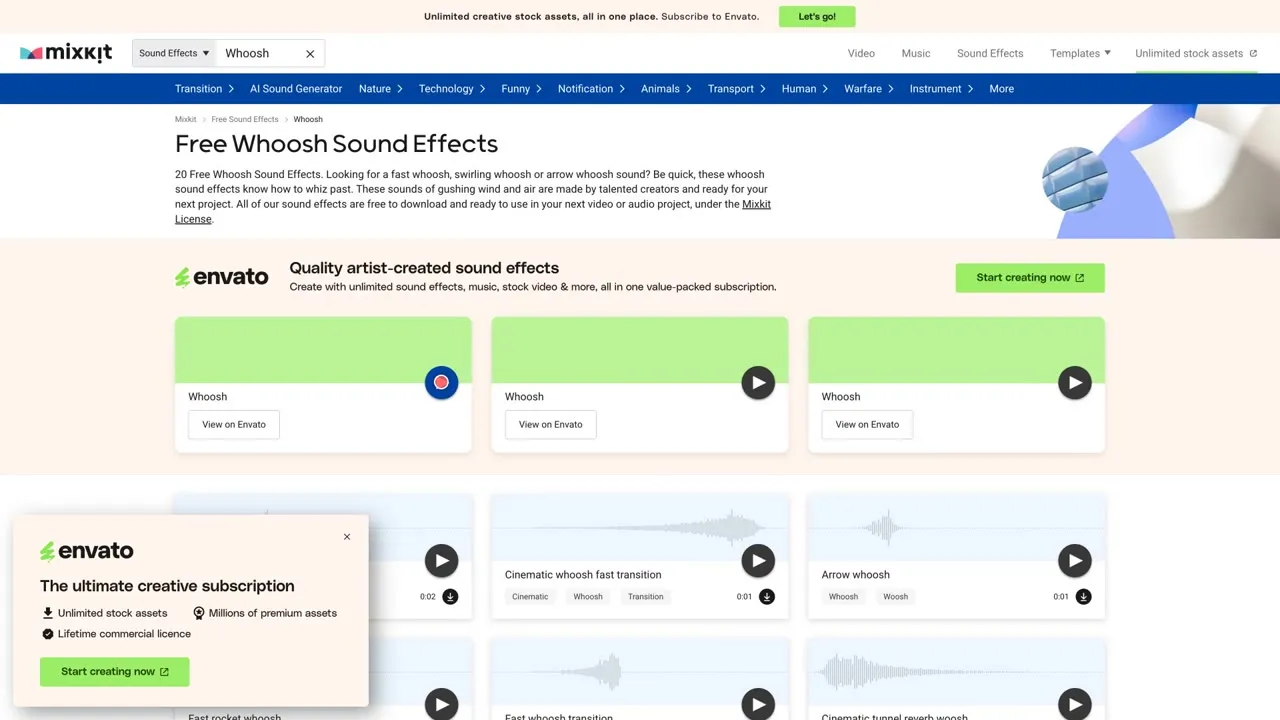
A simple first stop. Sounds are sorted into categories like whoosh, transitions, notifications and nature, and you can play each one in the list. Mixkit’s sound effects licence lets you use them in YouTube videos, social media and commercial projects. You can’t re-upload a sound on its own or register it with a rights management service.
Link: mixkit.co/free-sound-effects
2. Pixabay sound effects
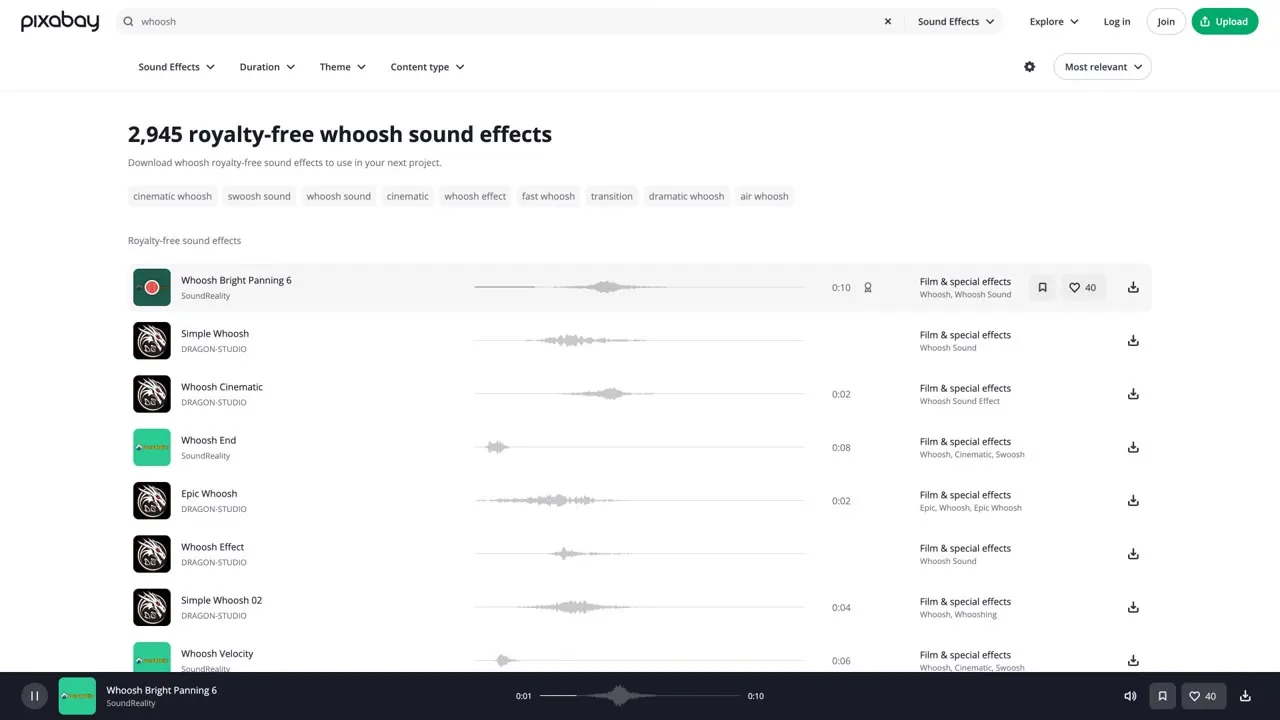
Search a word like “whoosh” and you get almost 3,000 results, each with a waveform preview. Under the Pixabay licence you can use the sounds for free, without credit, and edit them into your own work. You can’t sell or share a sound by itself. Good habit: save the page link of every sound you use, so you can show where it came from if a claim appears.
Link: pixabay.com/sound-effects
3. Freesound
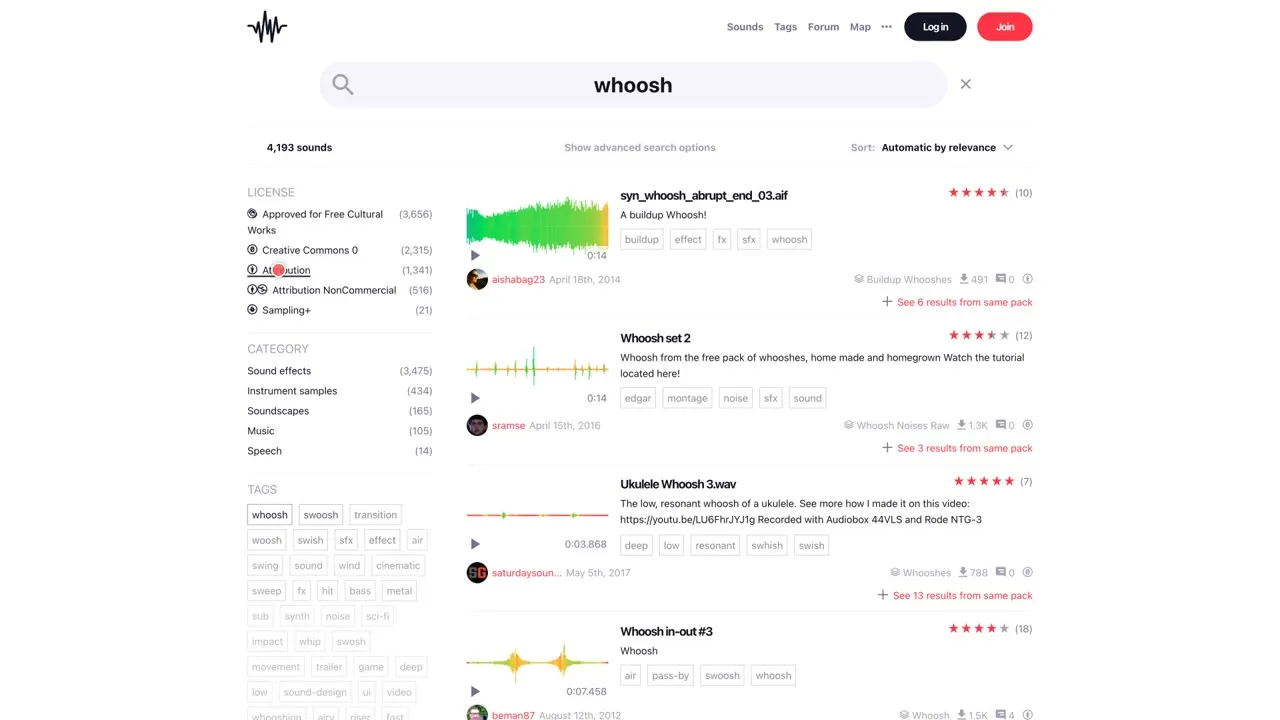
A huge community library whose best feature is the licence filter on the left:
- Creative Commons 0: no credit needed.
- Attribution: you must credit the creator.
- Attribution NonCommercial: not safe for a monetized channel.
You need a free account to download. Always check the licence before you download.
Link: freesound.org
4. Sonniss
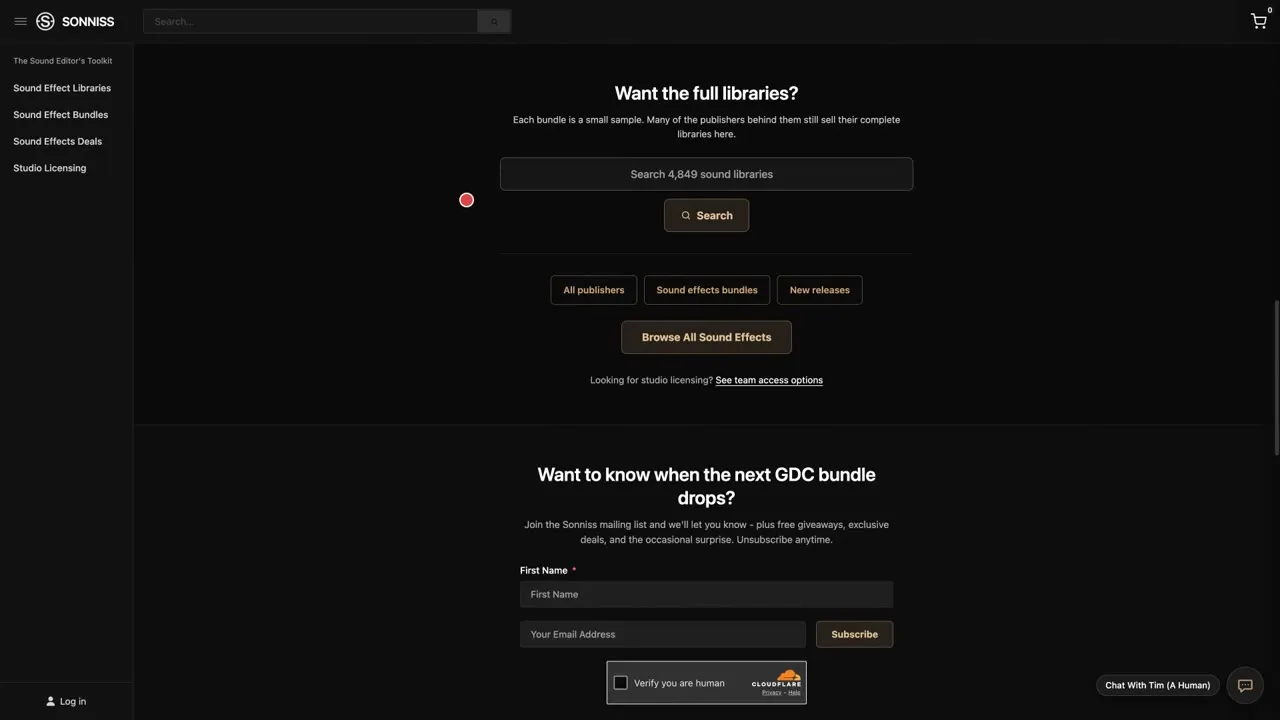
For serious quality. Sonniss gives away its GDC Game Audio bundles, a free collection released year after year. The sounds are royalty free and commercially usable, with no credit needed. The downloads are very large, so pick one bundle. You can use the sounds in videos, but not repackage them into your own pack.
Link: sonniss.com/gameaudiogdc
5. SoundBible
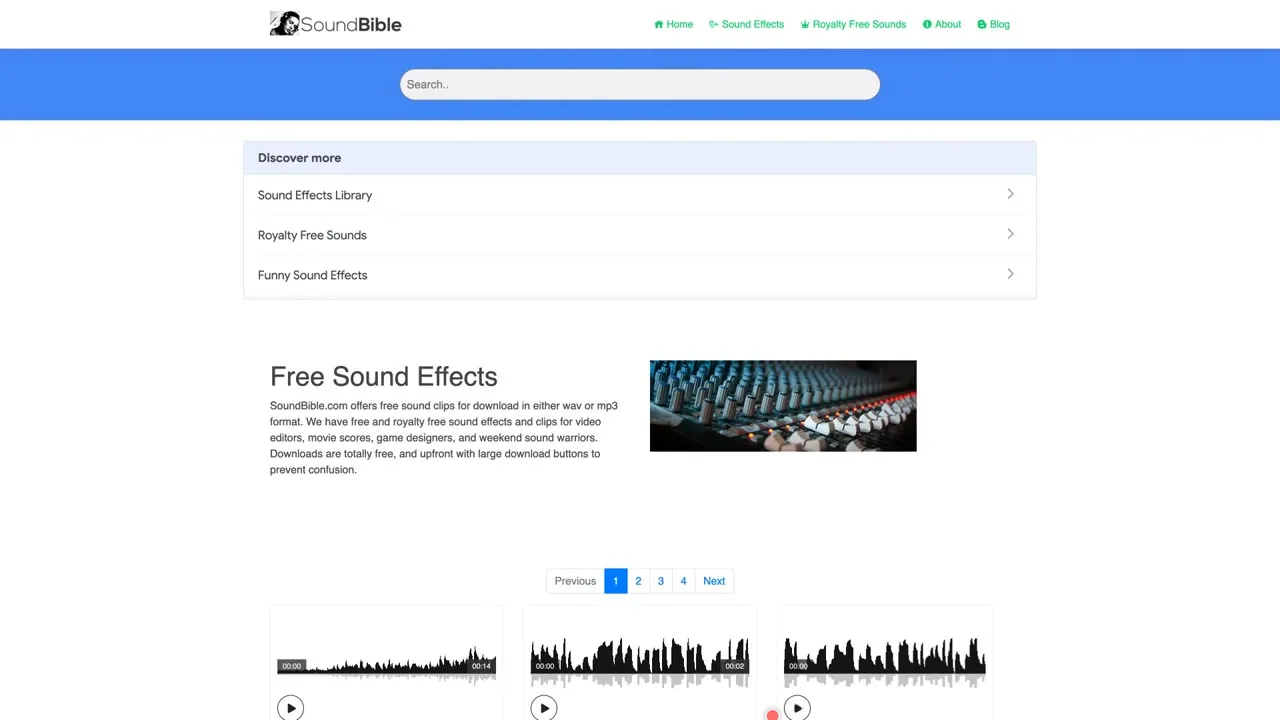
A simple site full of classics like doors, bells and rain. Every sound card shows a licence badge: some sounds are public domain, others are Attribution, which means you must give credit. Read the badge before you download.
Link: soundbible.com
6. Orange Free Sounds
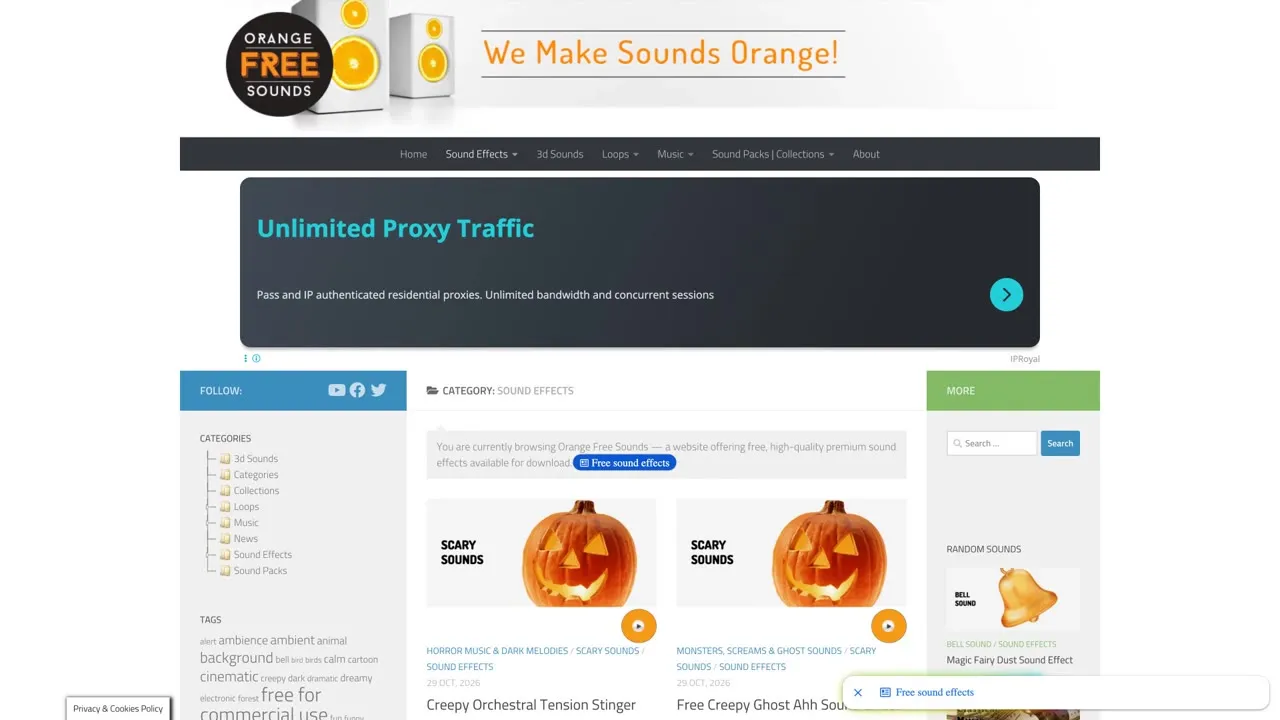
The site says its sounds are free for commercial and non-commercial use, with no sign-up. Each sound has its own page with a description and a download button, and that page is where you confirm the details for that exact file.
Link: orangefreesounds.com
7. FreeSFX
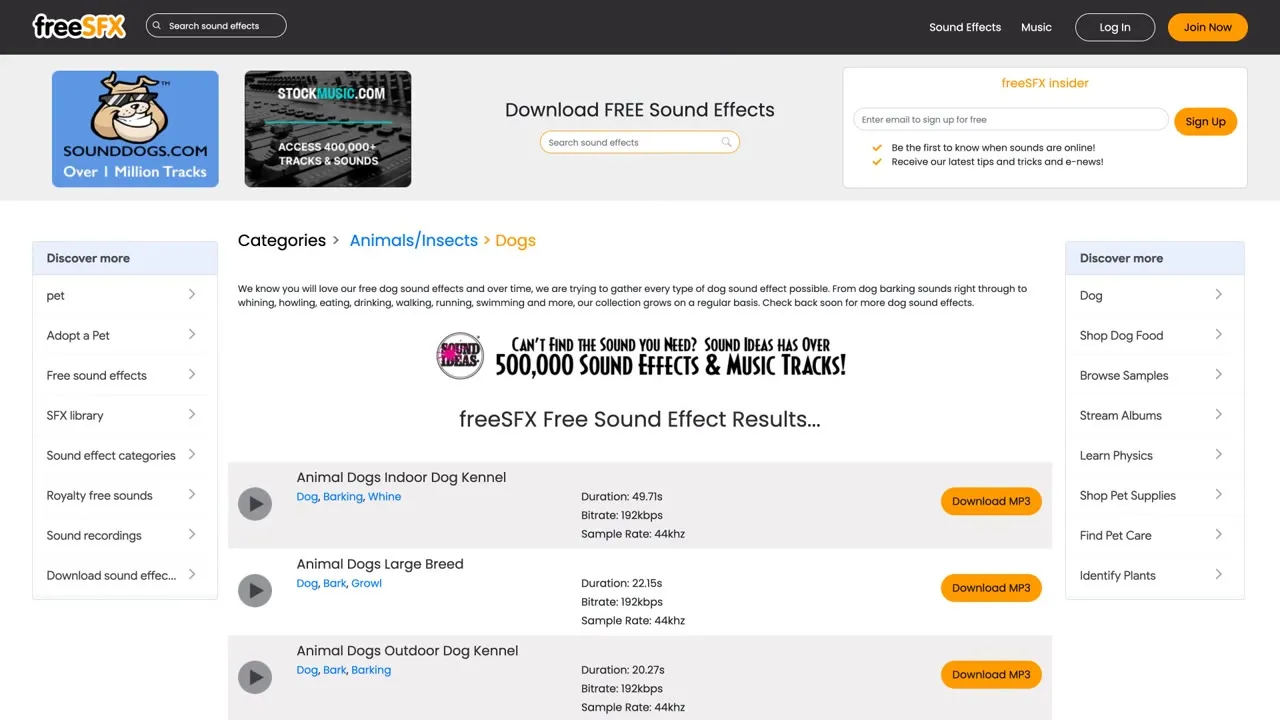
Browse by category, from animals to bells, and preview each sound in the list. The rule here is credit: the site says you must credit freesfx.co.uk. Projects that earn money are allowed, but a sound can’t be used on its own; it has to be mixed with other audio or video.
Link: freesfx.co.uk
8. BBC Sound Effects (with a warning)
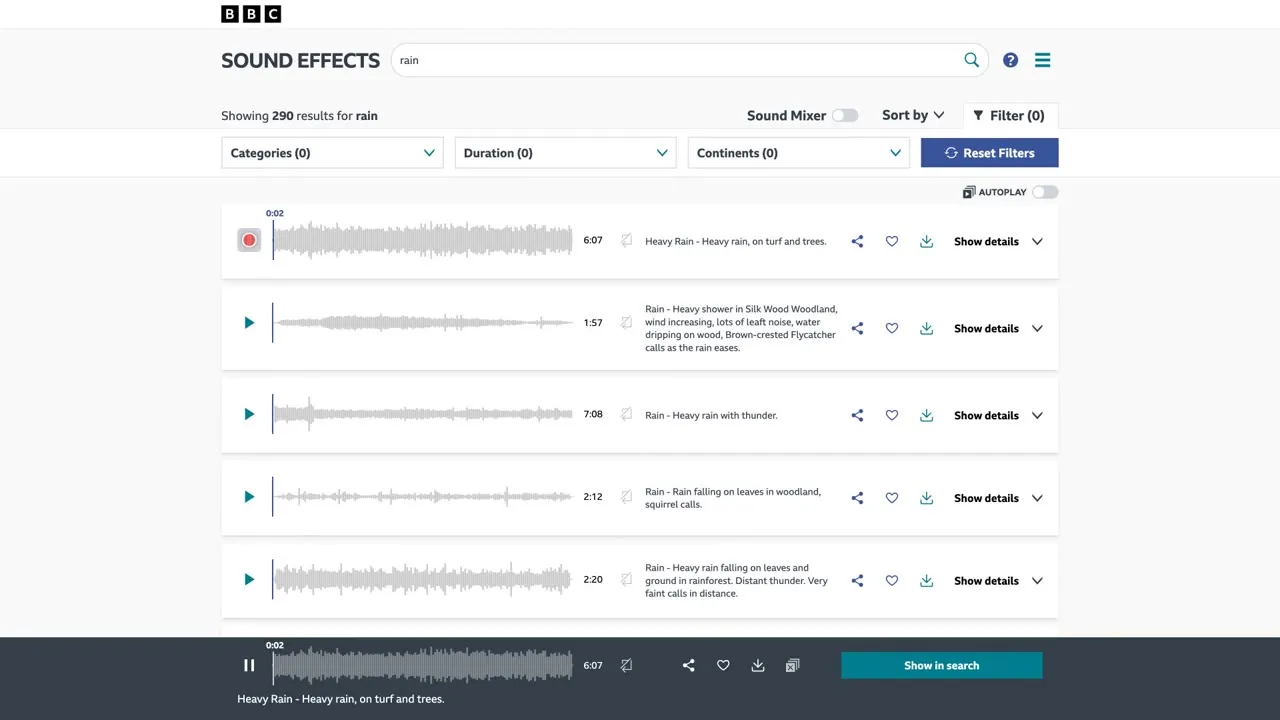
Thousands of beautiful recordings, free to download. But the licence only covers personal, research and formal education use, and the terms say you can’t upload the content to social media. Skip it for a monetized YouTube channel. It’s great for personal projects and learning.
Link: sound-effects.bbcrewind.co.uk
3 free tools to edit your sounds
AudioMass
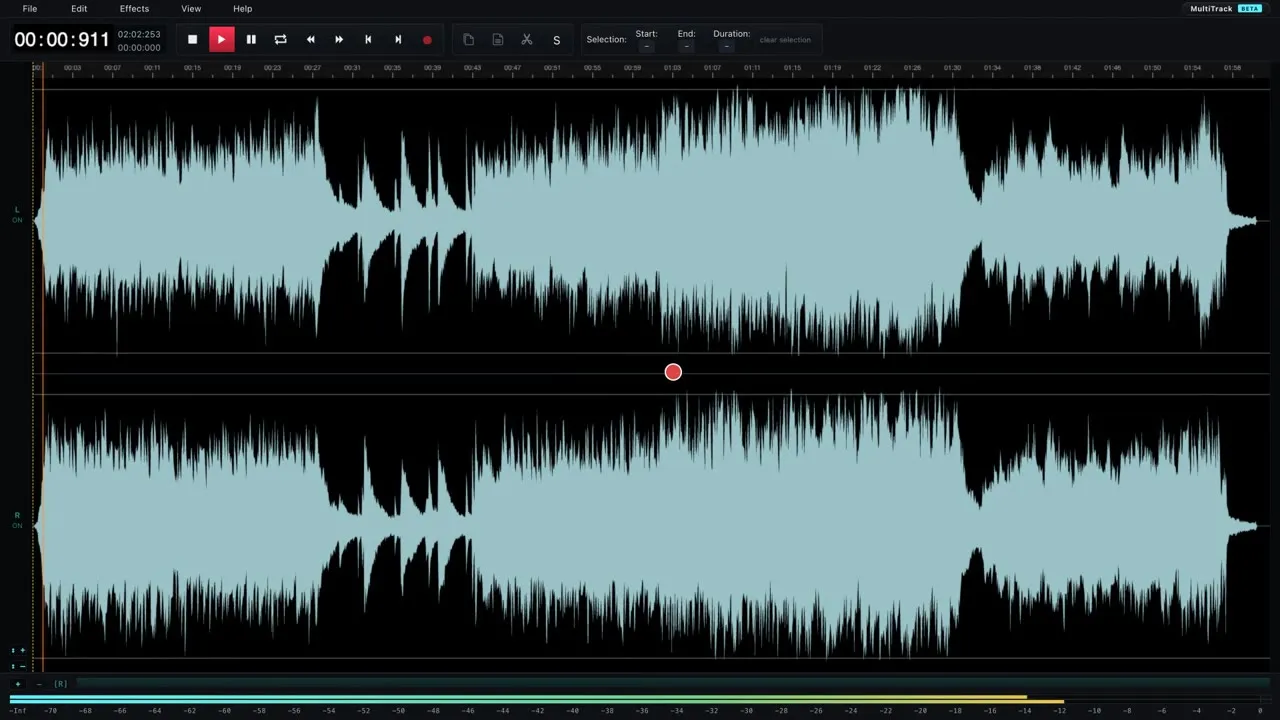
A free audio editor that runs in your browser. Open a sound, press space to play, then select part of the waveform to trim it or change the volume. Nothing to install. audiomass.co
MP3 Cut
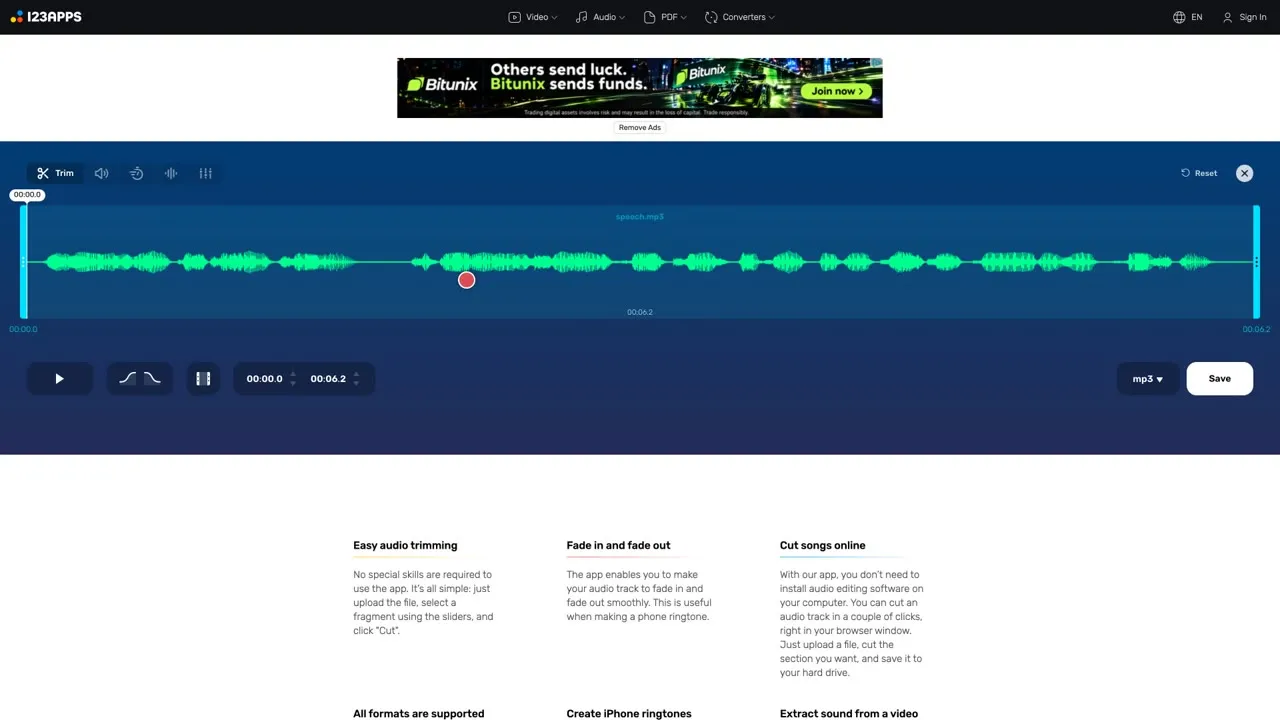
For a quick trim, upload a file, drag the handles to keep the part you need, and save. Perfect for cutting the silence off the start of a whoosh. mp3cut.net
Audio Joiner
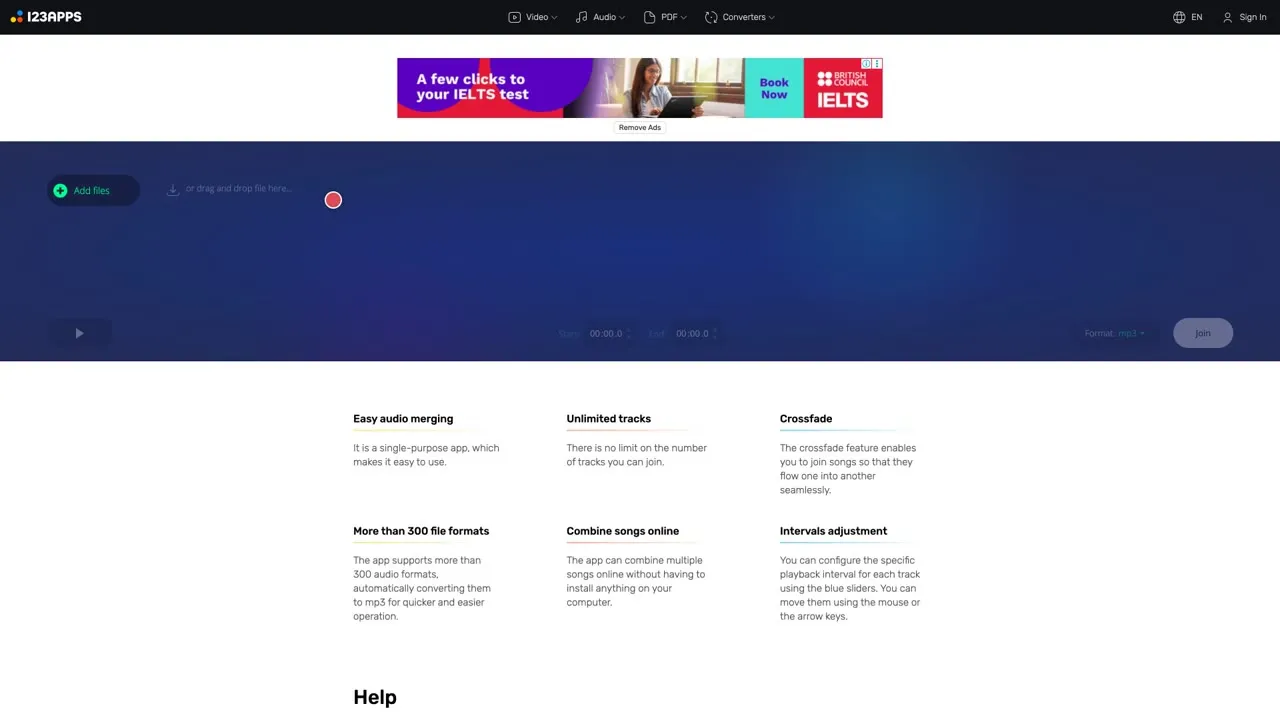
Combine several clips into one file with a crossfade between tracks. Useful for building your own ambience from rain, thunder and wind. audio-joiner.com
4 tips to use sound effects like a pro
- Place a whoosh slightly before the cut, so the sound leads the picture.
- Keep effects quieter than your voice, so viewers never strain to hear you.
- Use fewer sounds, and make each one count.
- Keep a note of every sound you use, with its link and licence, and add credits when the licence asks for them.
Licences can change, so check the current terms on each site before you publish.