11 Free Font and Colour Tools Designers Actually Use
11 free font and colour tools for designers, with the licence facts you need before you download anything.
A great design starts with the right font and the right colours. But free doesn’t always mean free to use: some fonts are only free for personal projects, and using them in a video or a client project can cause problems.
Here are 11 free font and colour tools designers use, with the licence facts you need before you download anything.
At a glance
| # | Tool | Use it for |
|---|---|---|
| 1 | Google Fonts | Open source fonts |
| 2 | Fontjoy | Font pairings |
| 3 | Typewolf | The best free Google Fonts |
| 4 | Font Squirrel | Fonts for commercial work |
| 5 | DaFont | Themed fonts (check the licence) |
| 6 | Fontsource | Self-hosting fonts with npm |
| 7 | Color Hunt | Hand-picked palettes |
| 8 | Adobe Color | Palettes and contrast checks |
| 9 | ColorSpace | Palettes from one colour |
| 10 | CSS Gradient | Gradients and CSS code |
| 11 | Realtime Colors | Testing colours and fonts together |
Fonts
1. Google Fonts
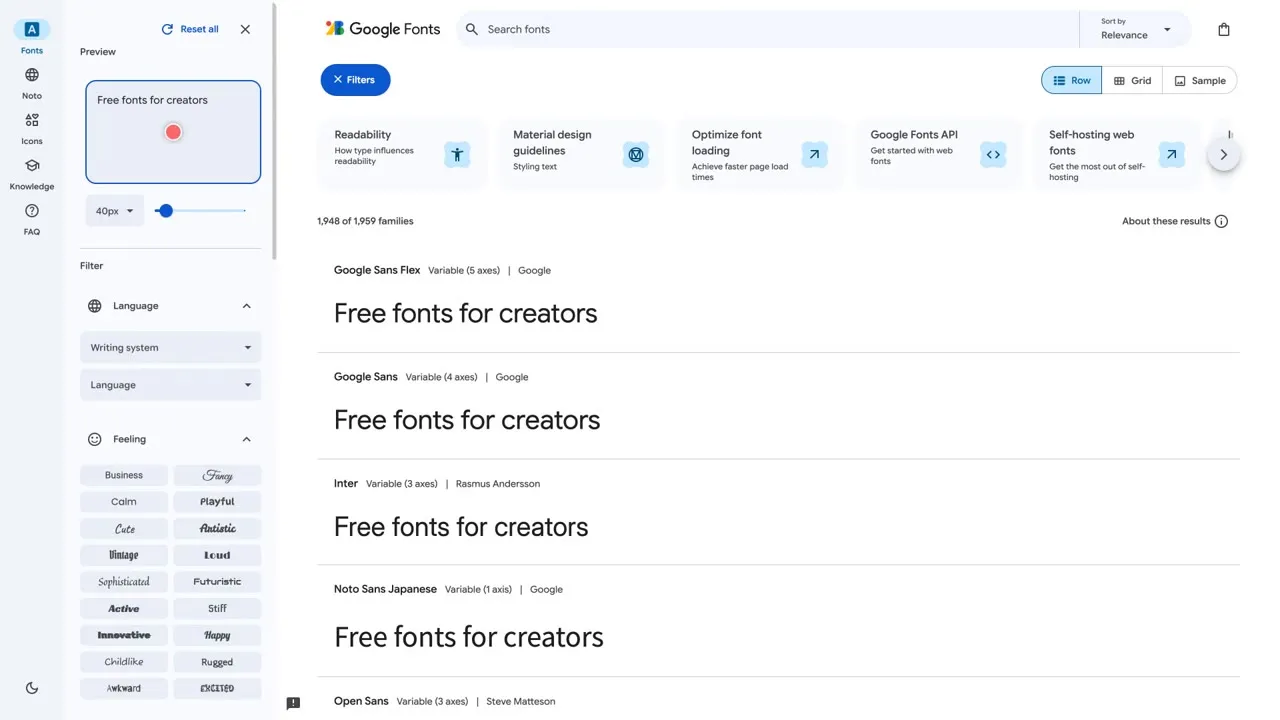
Its FAQ says all Google Fonts are open source and free, and you can use them commercially, even inside a product you sell, and in a logo. The most common licence is the SIL Open Font License. Type your own preview text, filter by language and pick a family. If you only remember one font site, make it this one.
Link: fonts.google.com
2. Fontjoy
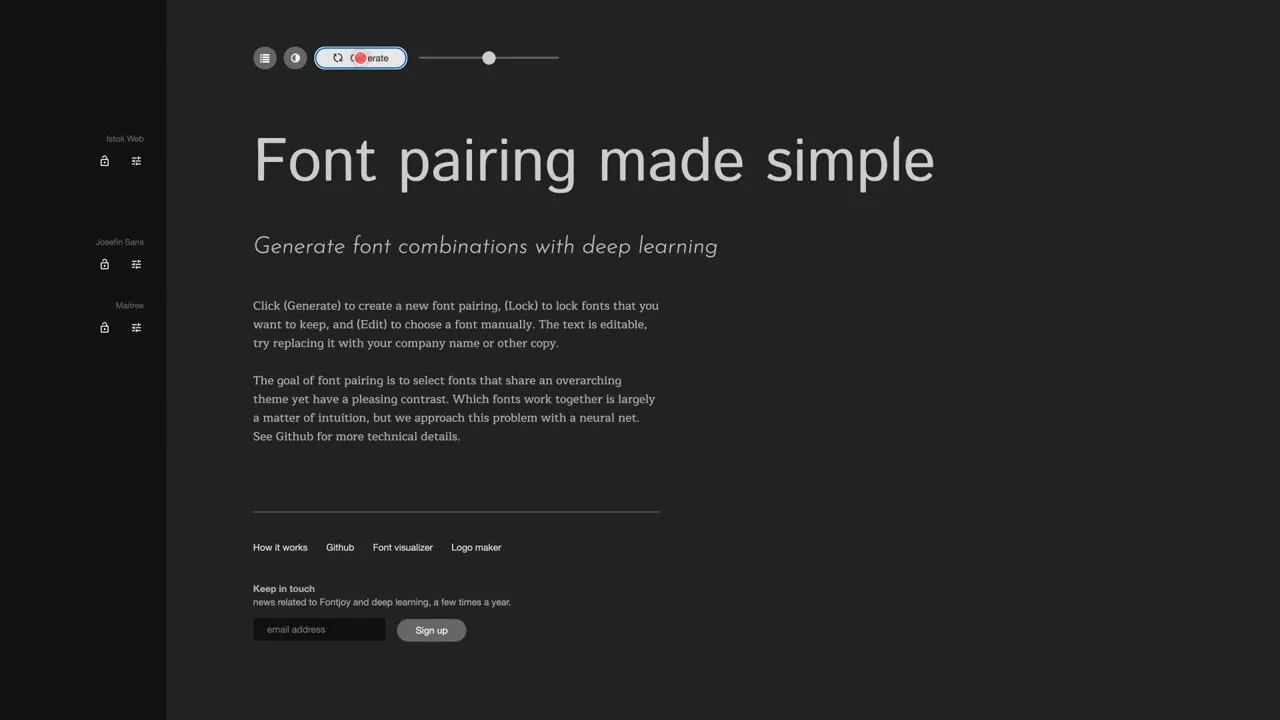
Hit generate and it suggests a font pairing for your headline and body text. The site says a neural net makes the pairs. Lock the font you like, then keep generating until the others fit. The text is editable, so try your own brand name. Fontjoy shows the font names, so check each font’s licence before you use it.
Link: fontjoy.com
3. Typewolf
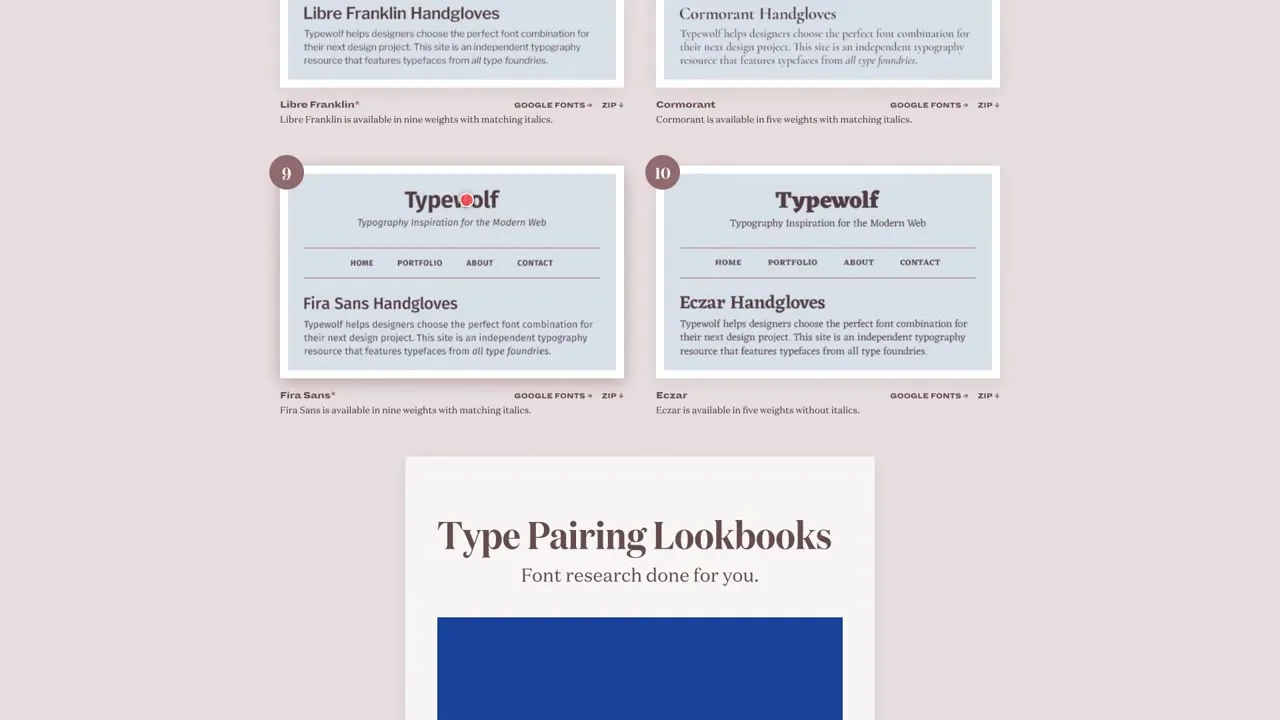
Not sure which fonts to pick? Typewolf lists the 40 best free fonts on Google Fonts, in the author’s opinion, and says they’re all open source and free for commercial use. A star marks the families that work well for body text, and the free fonts guide has recommended pairings.
Link: typewolf.com/google-fonts
4. Font Squirrel
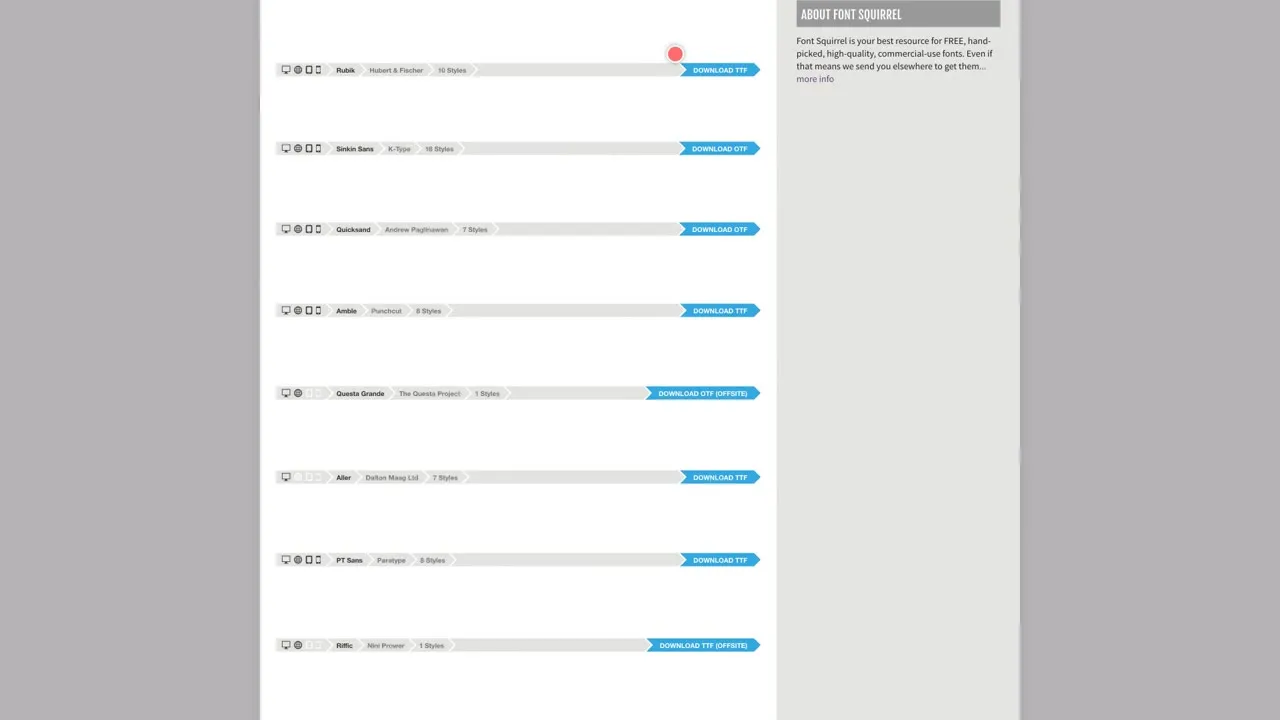
Hand-picked free fonts that are licensed for commercial work. Downloads marked “offsite” are hosted elsewhere. There’s a licence filter on the side and a Webfont Generator in the menu. Even here, read the licence of the exact font you choose.
Link: fontsquirrel.com
5. DaFont
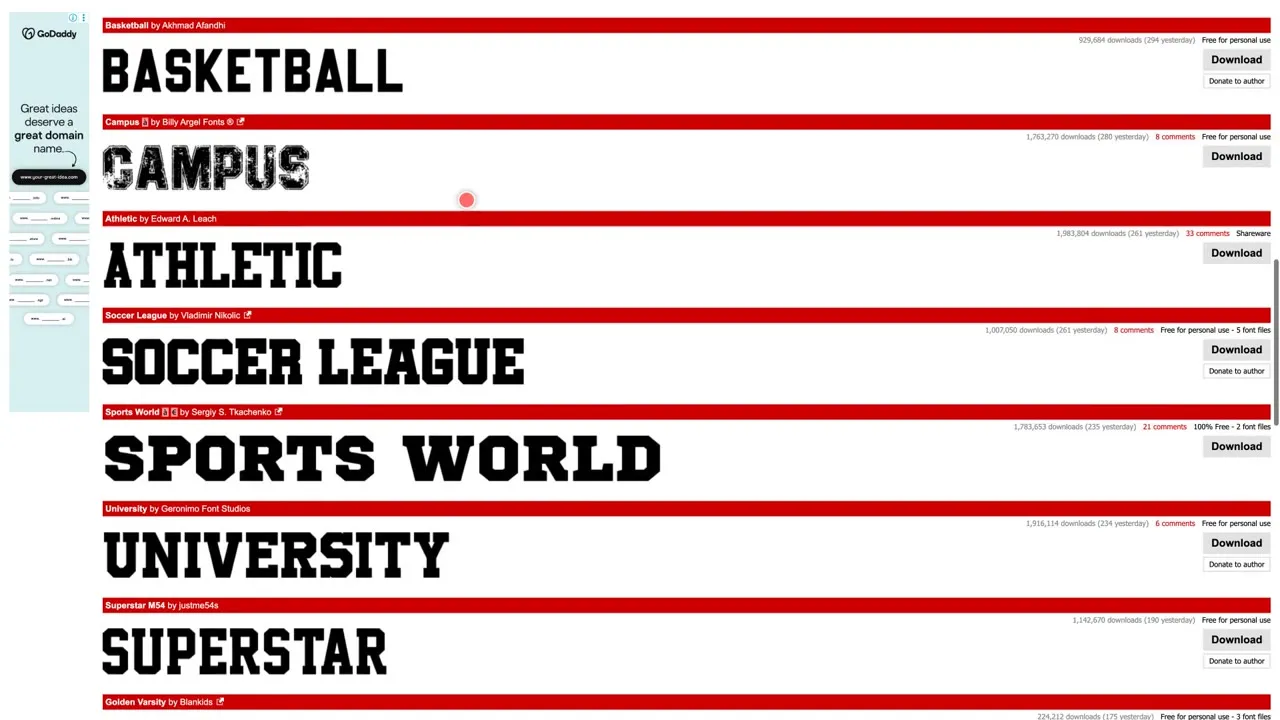
Browse by theme, like script, retro and horror, but read the labels: some fonts say 100% free, others say free for personal use. DaFont’s own FAQ says the licence shown is only an indication, so read the readme or ask the author. And if no licence is listed, that doesn’t mean the font is free.
Link: dafont.com
6. Fontsource
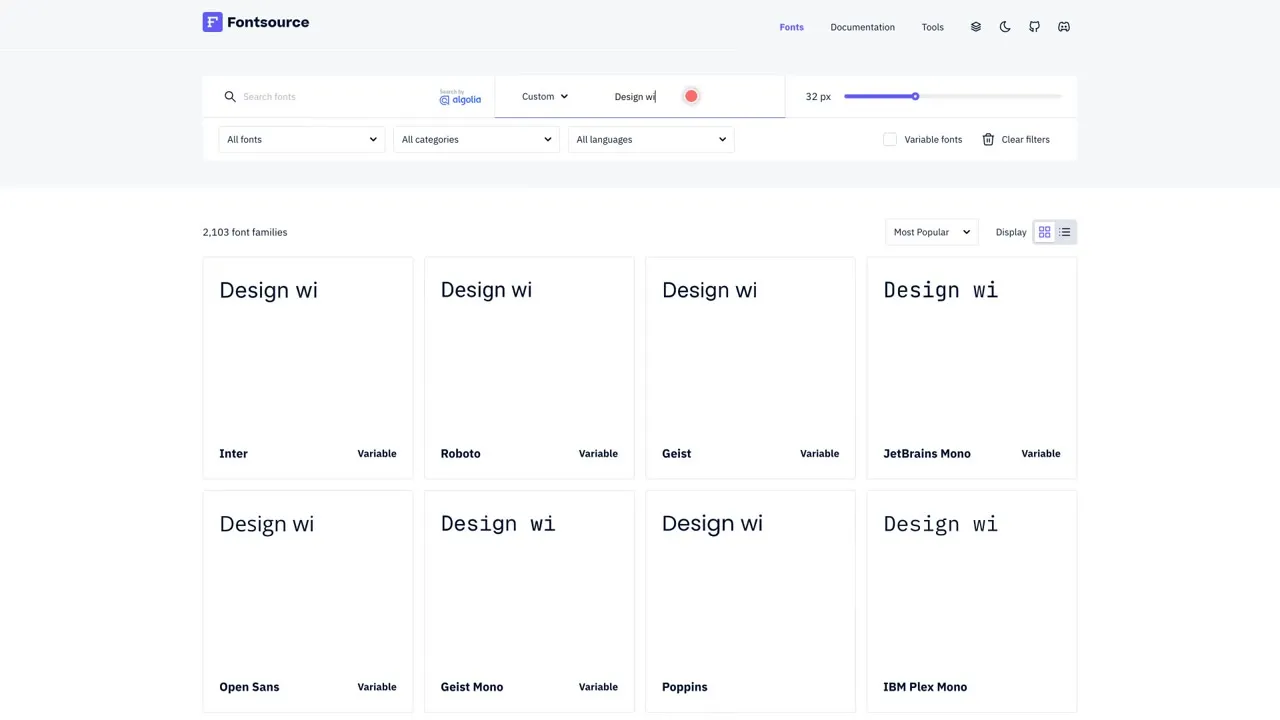
For web developers. Fontsource packages open source fonts as npm packages so you can self-host them; one npm install adds a font to your project. There’s a preview field for your own sentence and a filter for variable fonts.
Link: fontsource.org
Colours
7. Color Hunt
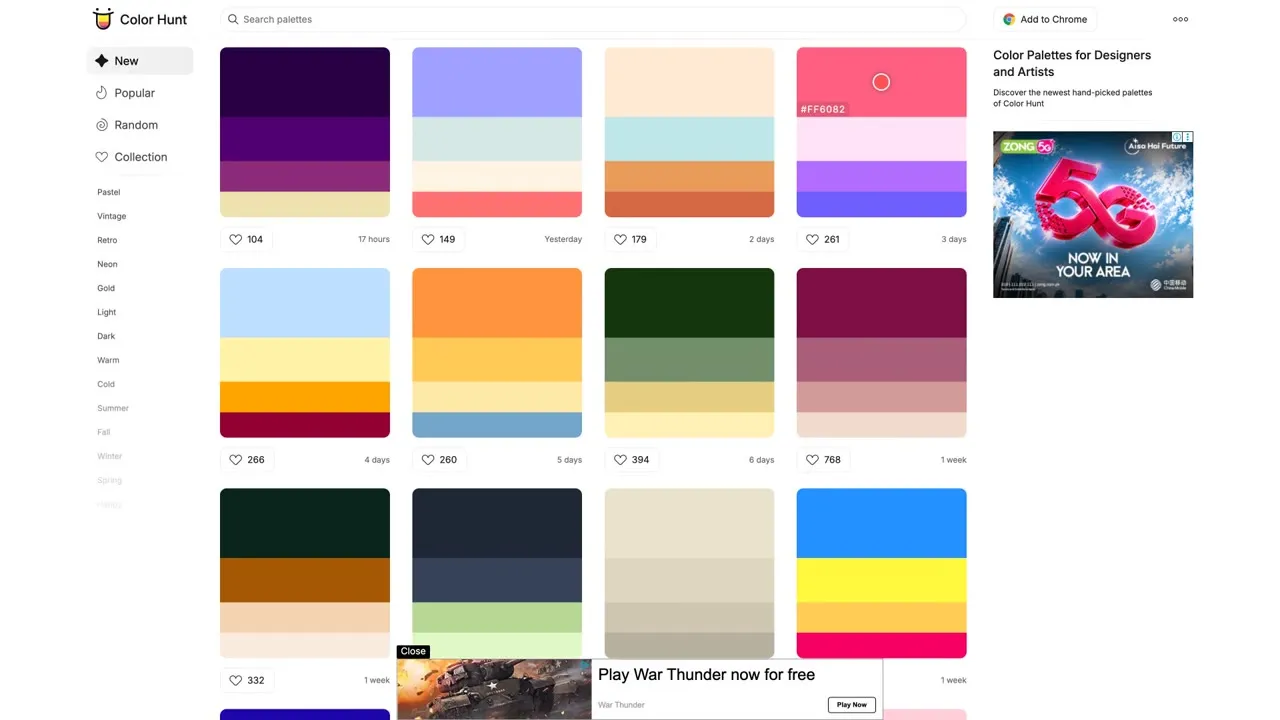
Hand-picked palettes of four colours, sorted by new, popular or random. Filter by colour or by tags like pastel, retro, neon and night, and hover over a colour to see its hex code. Color Hunt is made by Gal Shir and has a Chrome extension too.
Link: colorhunt.co
8. Adobe Color
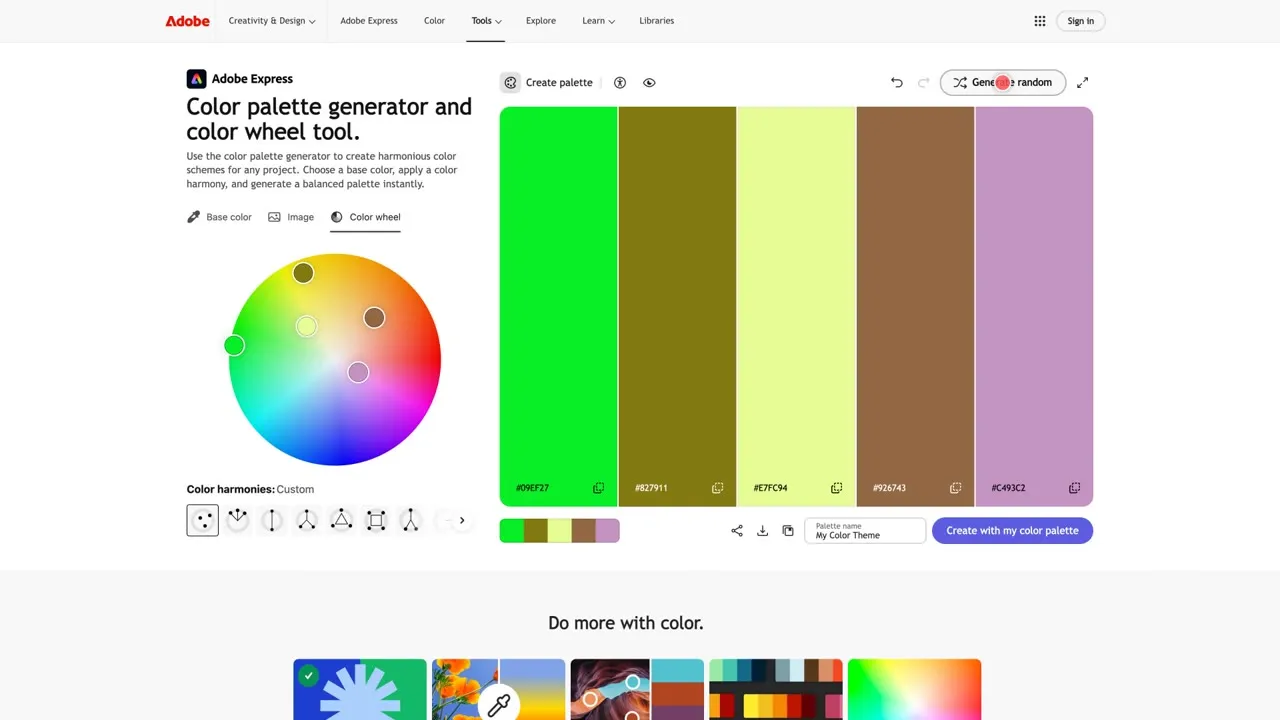
Pick a base colour, choose a harmony like complementary or triadic, and it builds a balanced palette. You can extract colours from an image, and there’s a contrast checker and a colour blindness preview. Building palettes works right on the page; saving them goes to your Adobe library.
Link: color.adobe.com
9. ColorSpace
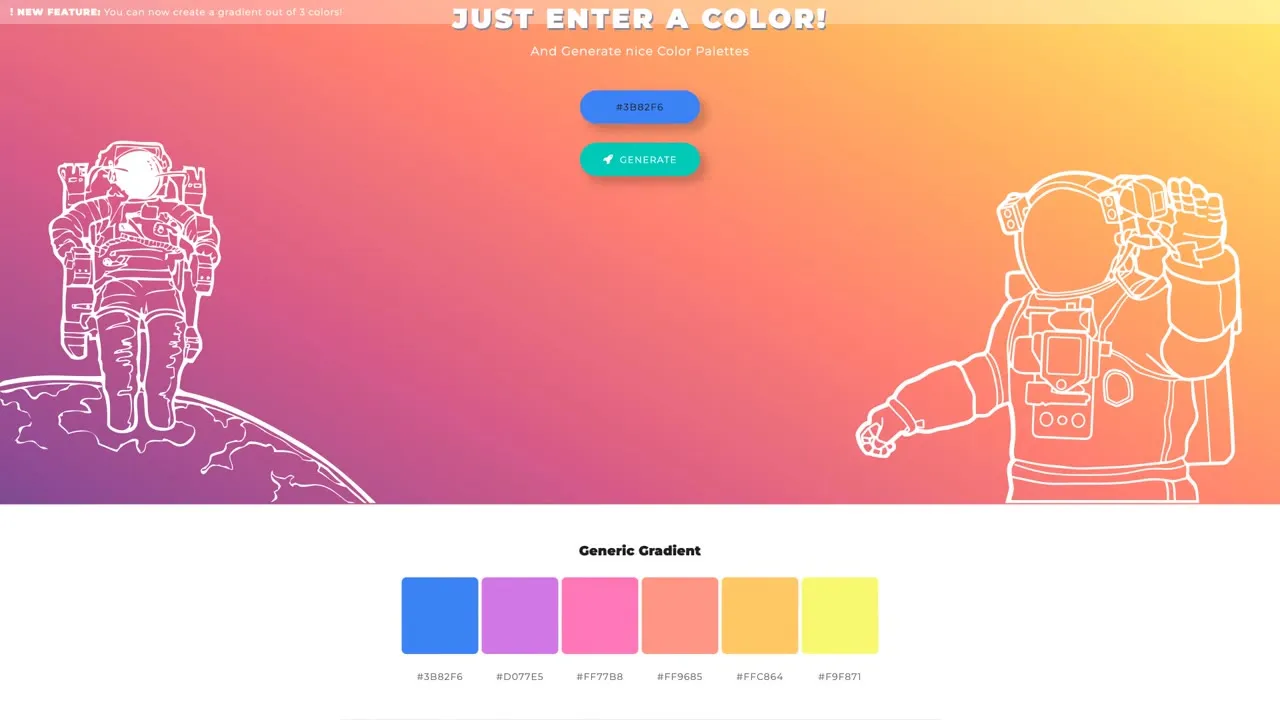
Enter one colour and it generates palettes around it. There’s also a gradient tool, including one that builds a gradient from three colours. A quick way to turn a single brand colour into a full set.
Link: mycolor.space
10. CSS Gradient
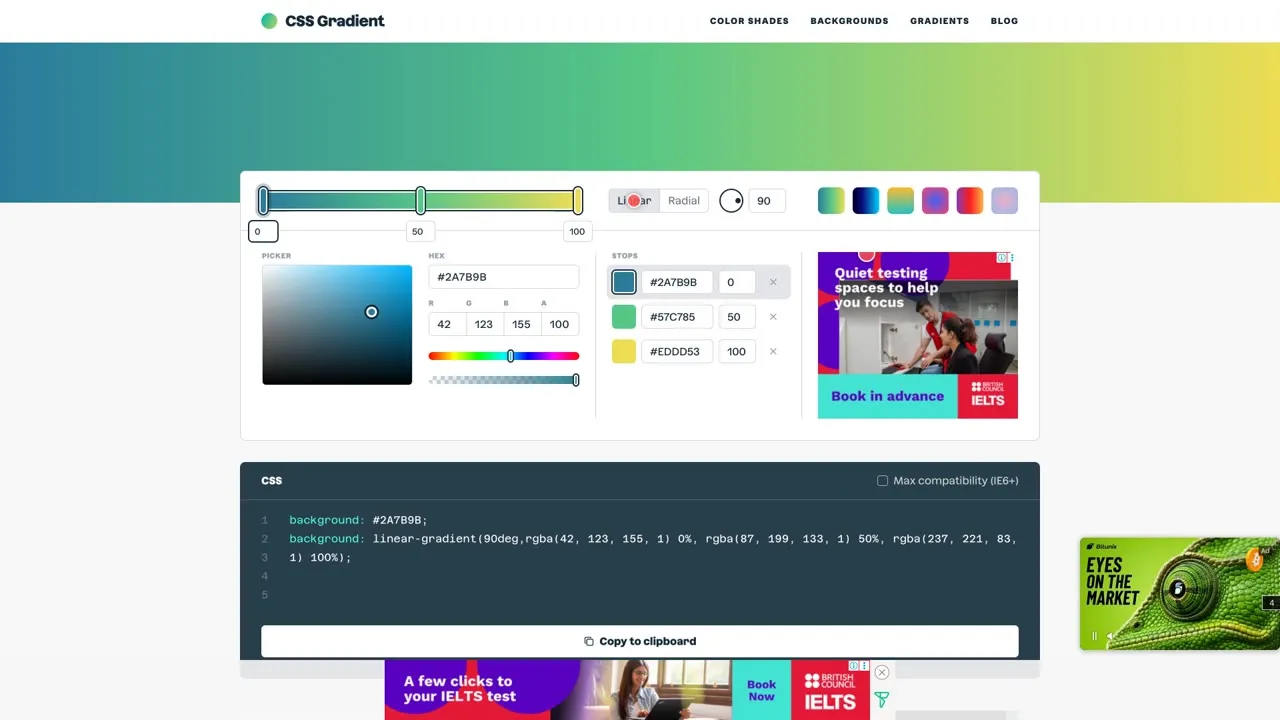
Pick your colours, add stops, switch between linear and radial, and copy the CSS with one click. There’s even a maximum compatibility option for very old browsers.
Link: cssgradient.io
11. Realtime Colors
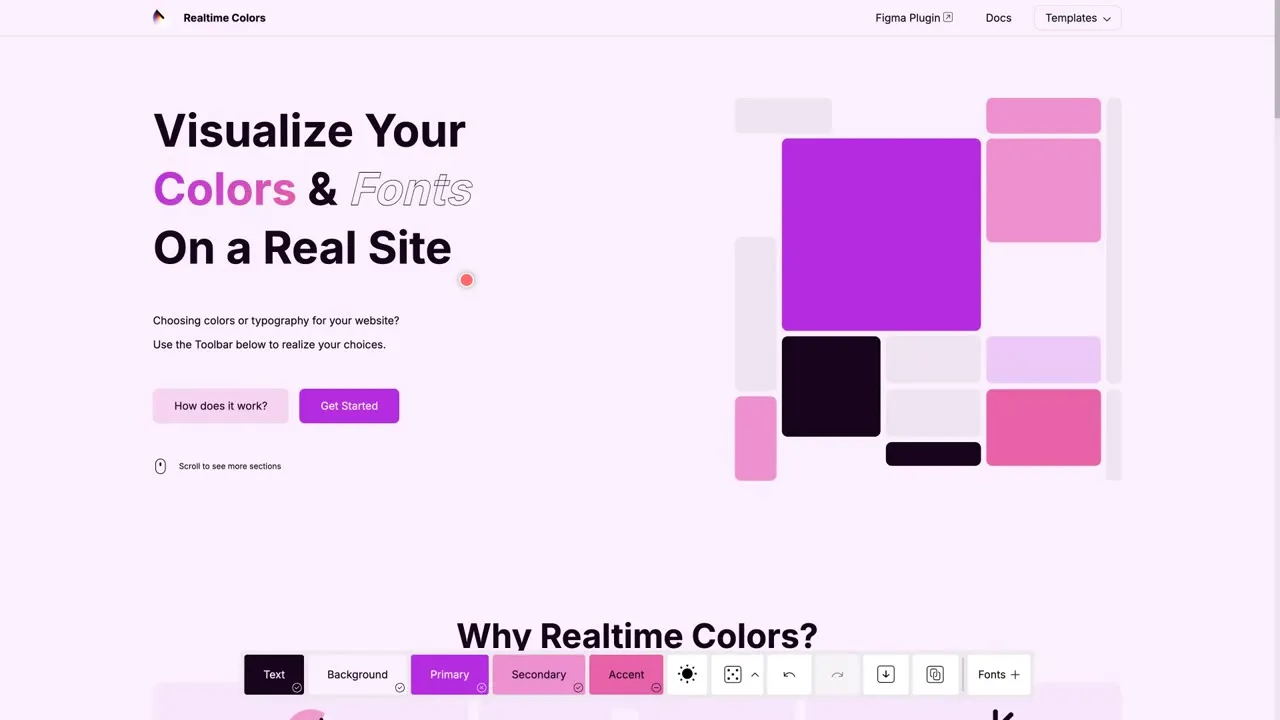
The best way to test everything together. Set your text, background, primary, secondary and accent colours, choose heading and body fonts, and see them on a real-looking website instantly. The site says it’s free forever, and you can export to CSS, Tailwind or SCSS.
Link: realtimecolors.com
4 tips to use these tools like a pro
- Pair a heading font with a body font, and keep it to two fonts.
- Check your contrast so text is easy to read. Adobe Color has a contrast checker.
- Try the 60-30-10 rule: 60% main colour, 30% secondary, 10% accent.
- Check the licence before you download, and keep a note of where each font came from.
This post is general information, not legal advice. Always check the licence of the exact font you use.