12 Free Websites to Edit Video and Audio Right in Your Browser
12 free browser tools for video, audio and subtitles, with the free limits of each one, like file size caps and watermarks.
You don’t need expensive software to edit video and audio. These 12 free tools work right in your browser: 4 for video, 5 for audio, and 3 for subtitles and transcripts. For each one you’ll see the free limits, like file size caps and watermarks, so there are no surprises.
At a glance
| # | Tool | Use it for | Good to know |
|---|---|---|---|
| 1 | Ezgif | Cut and trim video | Up to 200 MB, no watermark |
| 2 | Clideo | Trim video | Up to 500 MB, free exports have a watermark |
| 3 | Online Video Cutter | Trim, crop, rotate | Free version has limits |
| 4 | Adobe Express | Trim video | Up to 1 hour and 1 GB |
| 5 | AudioMass | Edit audio | Runs in your browser |
| 6 | Wavacity | Audacity in the browser | Open source |
| 7 | MP3 Cut | Trim audio | 300+ formats |
| 8 | Audio Joiner | Combine audio | Crossfade option |
| 9 | HappyScribe Recorder | Record voice | Processed in your browser |
| 10 | Whisper on Hugging Face | Transcribe and translate | Shared server |
| 11 | Whisper Web | Transcribe | Runs in your browser |
| 12 | SoftSubs | Subtitles | Runs in your browser |
Video
1. Ezgif
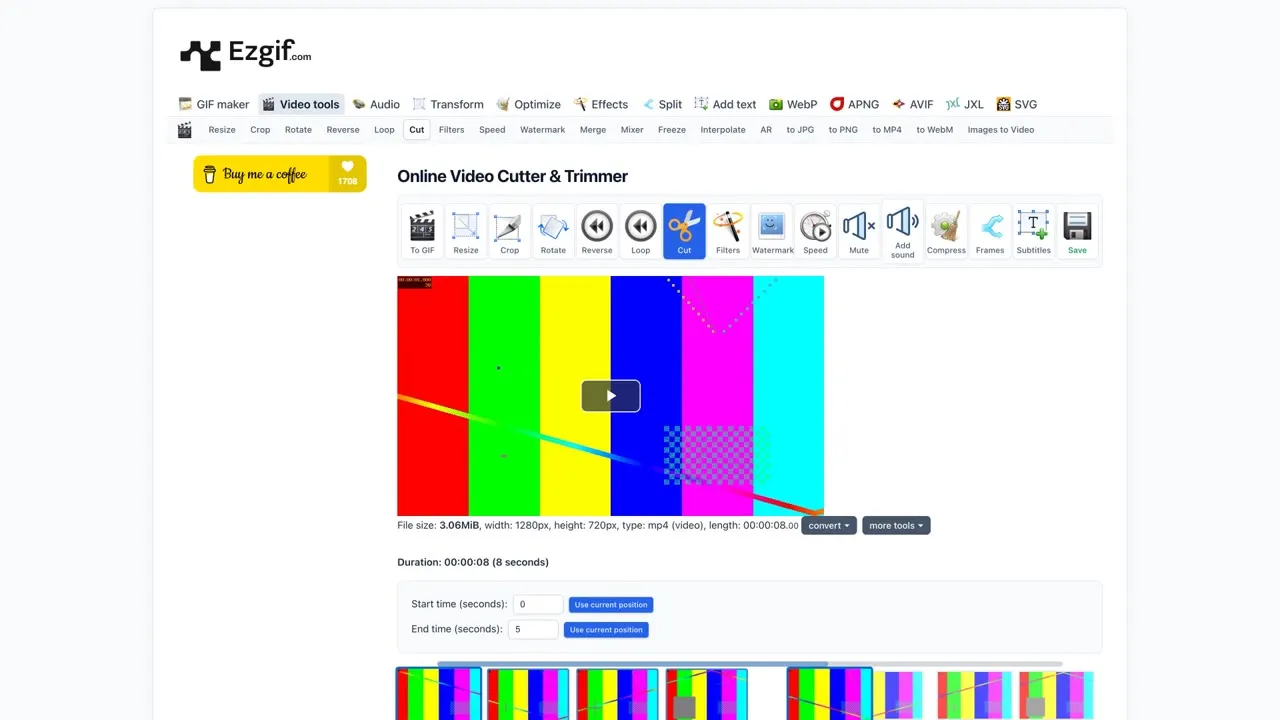
A free online video cutter and trimmer that accepts files up to 200 MB, with no registration and no watermark. Upload your clip, drag the selection, and either keep that part or cut it out and join the rest. The same menu has tools to crop, rotate, change speed and make GIFs.
Link: ezgif.com/video-cutter
2. Clideo
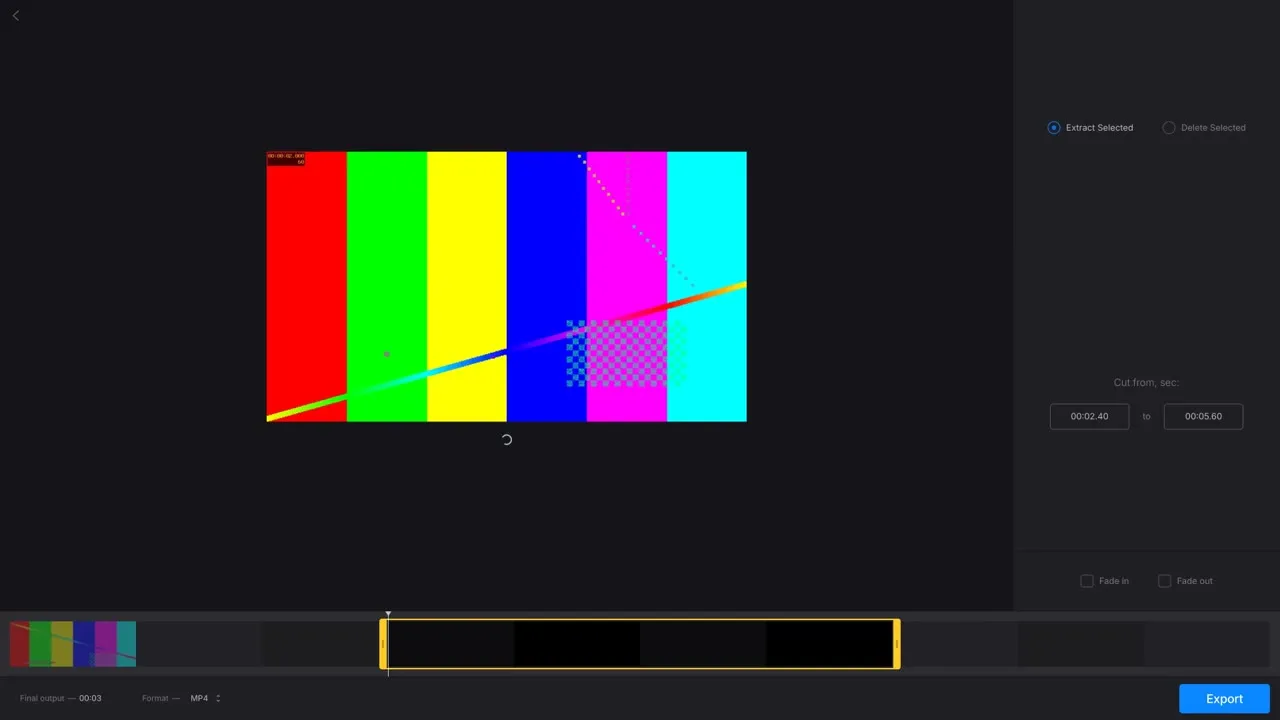
Clideo’s trimmer takes files up to 500 MB for free. Set a start and an end with two markers, then extract that section or delete it, and add a fade in or fade out. The catch: free exports carry a small watermark, so use it for drafts or when a watermark is fine.
Link: clideo.com/cut-video
3. Online Video Cutter
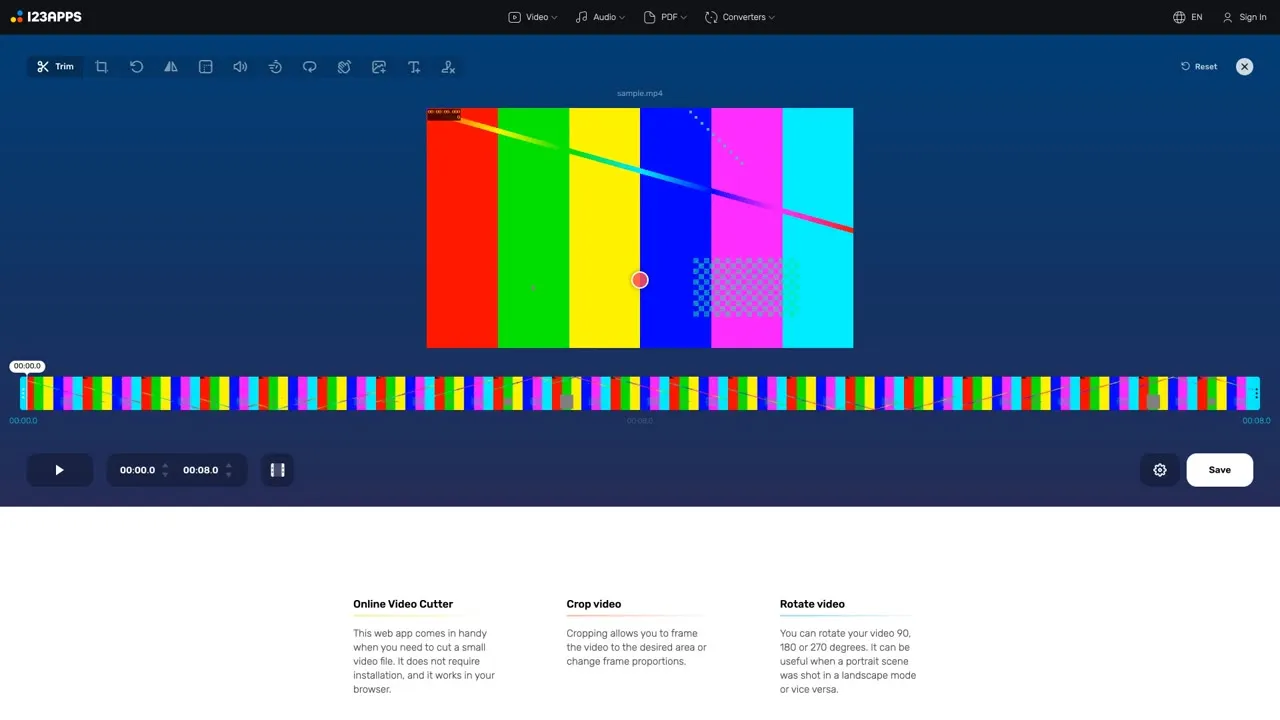
It trims, crops and rotates video, and accepts almost every video format. In the video test, a clip could be uploaded and edited without signing in. The free version has limits; the paid plan adds full HD export, no length limit and no ads. For quick trims it’s fast and simple.
Link: online-video-cutter.com
4. Adobe Express
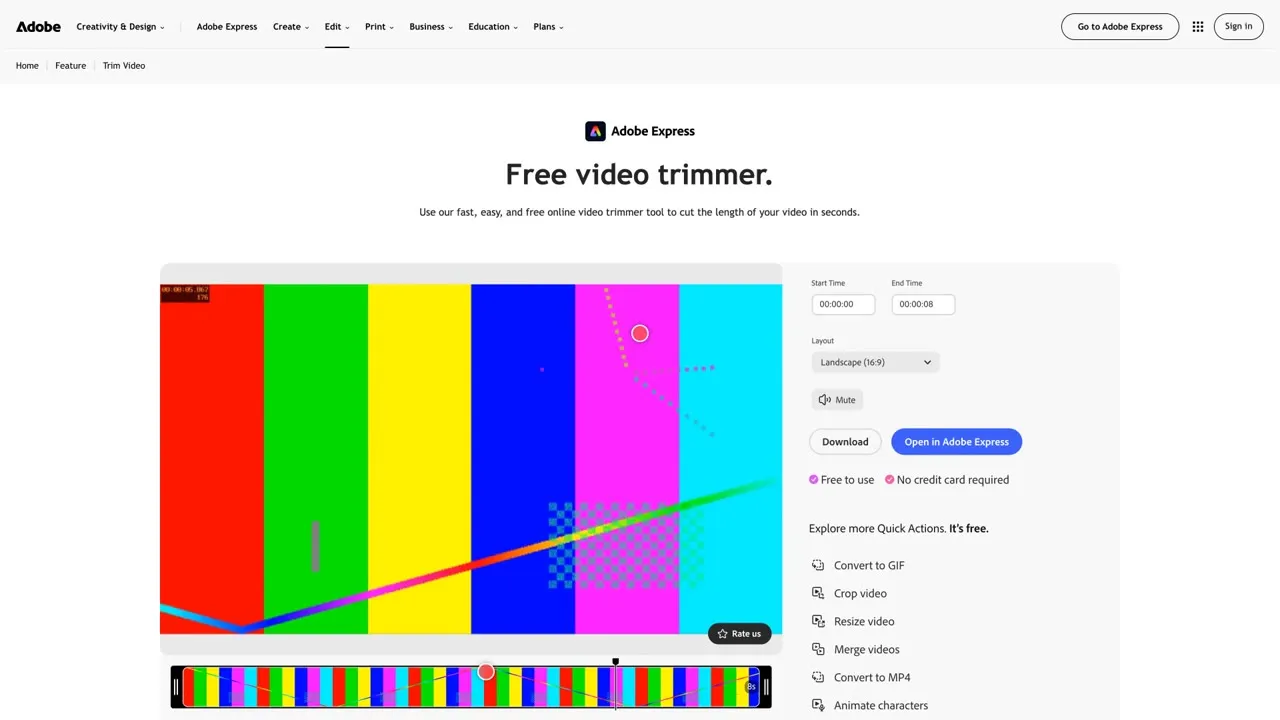
The Adobe Express trimmer accepts videos up to 1 hour long and up to 1 GB. Set the start and end, mute the audio, or change the aspect ratio. The page says it’s free with no credit card required, and trimming doesn’t reduce quality. Trimming worked without an account in the test, but check the terms before you export.
Link: adobe.com/express/feature/video/trim
Audio
5. AudioMass
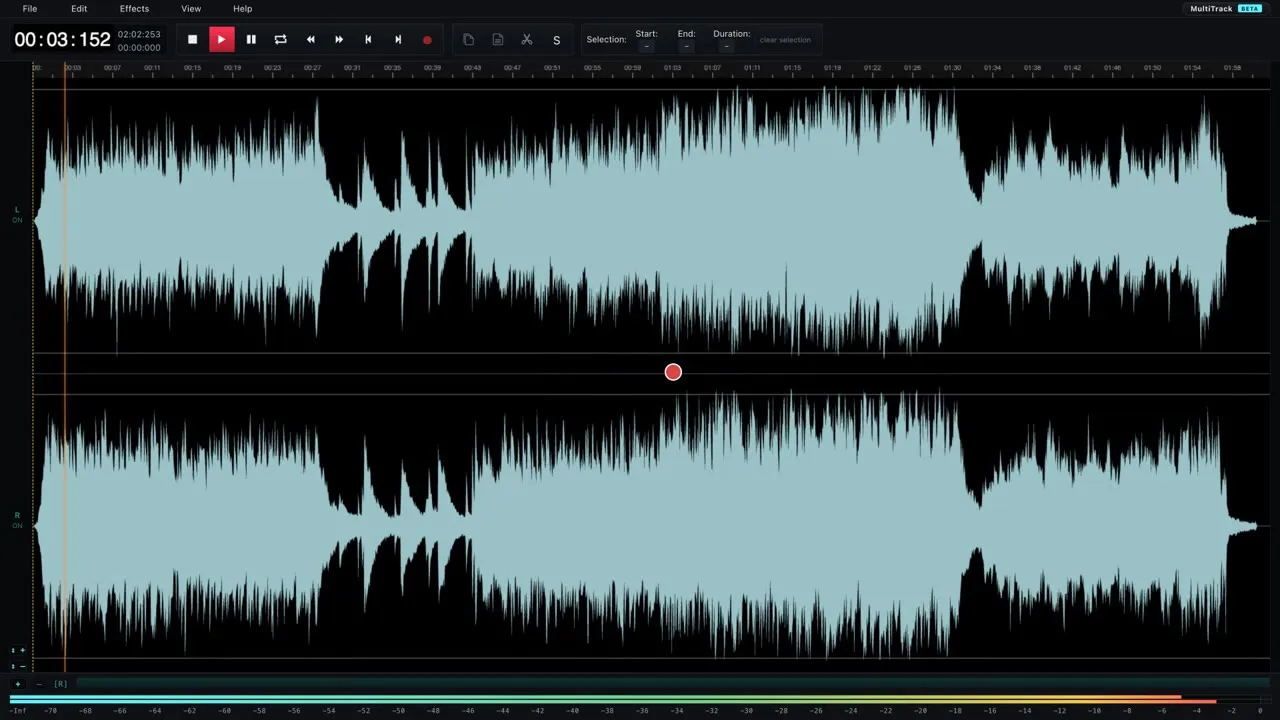
A free, open source audio editor that runs entirely in your browser, with no backend. Cut, trim, fade in, change the volume and apply effects. Because nothing is uploaded, it’s a good choice for private recordings. Tip: most shortcuts use Shift, so Shift+Z is undo.
Link: audiomass.co
6. Wavacity
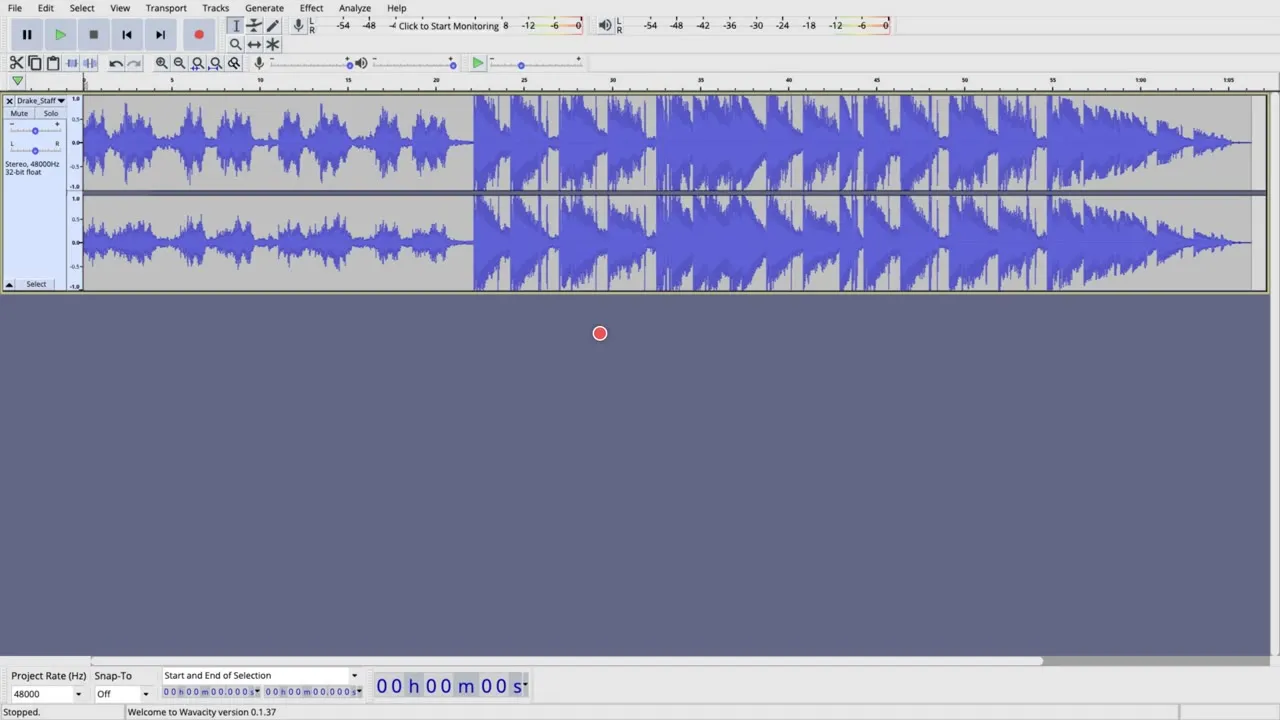
A port of the Audacity audio editor that runs in your browser. It’s free and open source, and there’s nothing to install. It isn’t affiliated with Audacity, so treat it as a separate project and test your export before a big job.
Link: wavacity.com
7. MP3 Cut
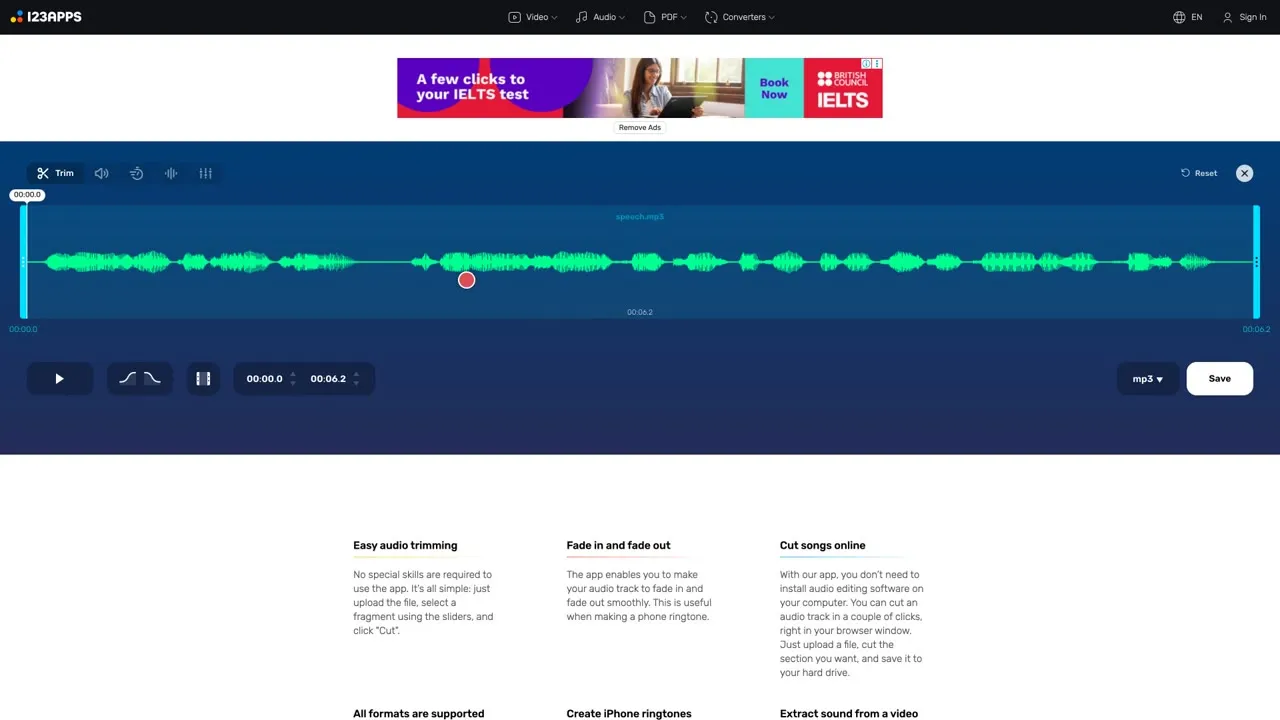
Upload an audio file, drag the handles to keep only the part you need, and add a fade in or fade out. It supports over 300 formats and the tool is free. A paid plan raises the file size limit.
Link: mp3cut.net
8. Audio Joiner
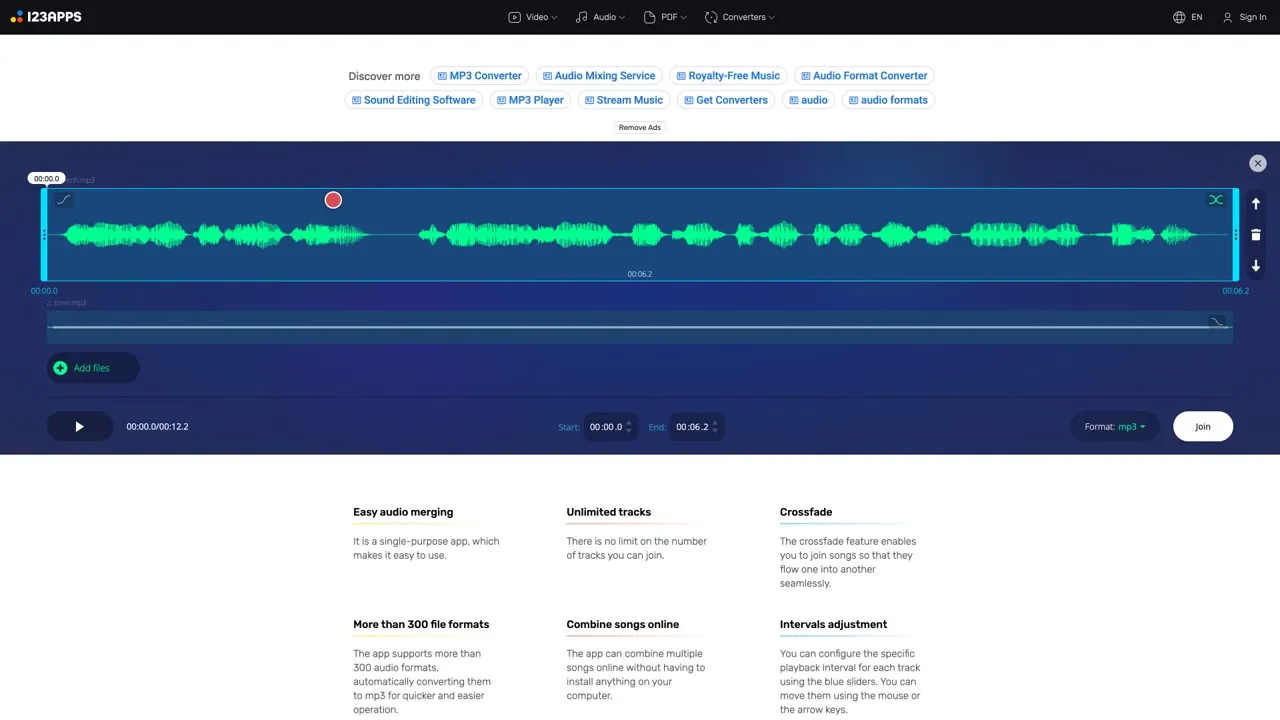
Combine several audio files into one, with no limit on the number of tracks and a crossfade option to blend them. It supports over 300 formats and exports MP3. Great for building a voiceover from several takes.
Link: audio-joiner.com
9. HappyScribe Voice Recorder
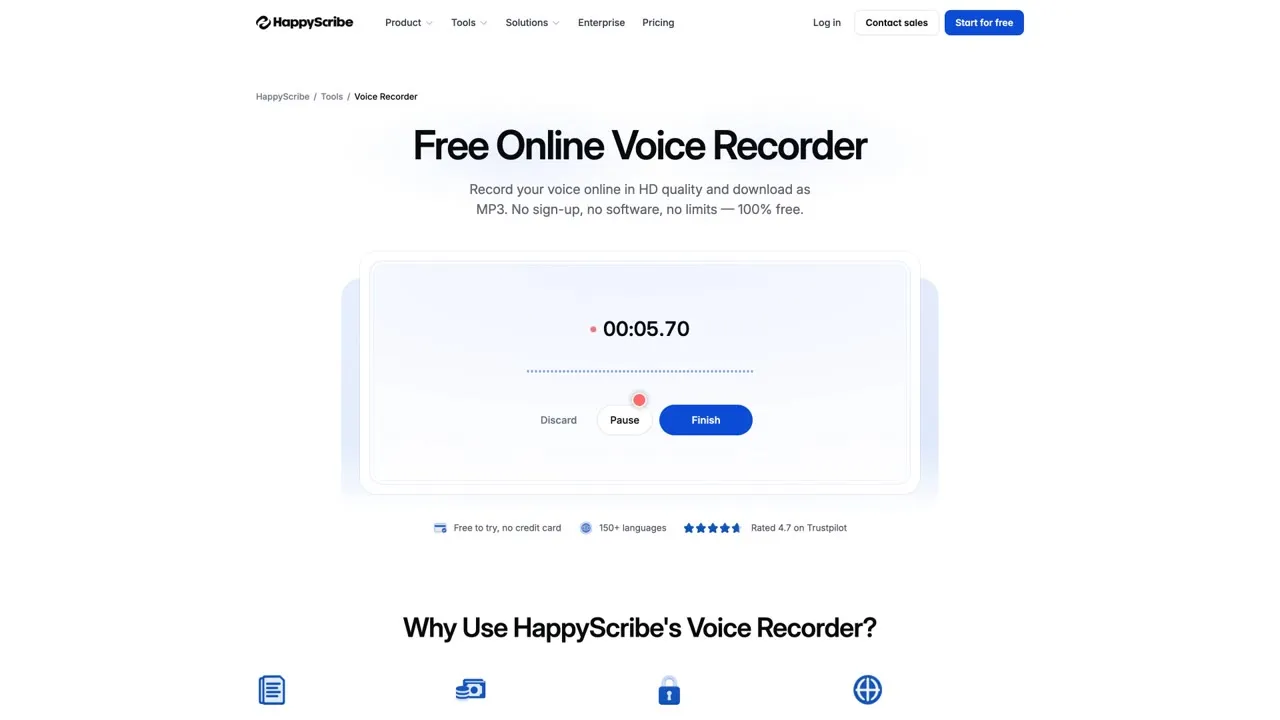
No sign-up, no software, and the page says there’s no time limit. Press start, speak, press finish, and you get an MP3. All the audio processing happens locally in your browser and nothing is uploaded, so it’s great for quick voiceovers.
Link: happyscribe.com/tools/online-voice-recorder
Subtitles and transcripts
10. Whisper on Hugging Face
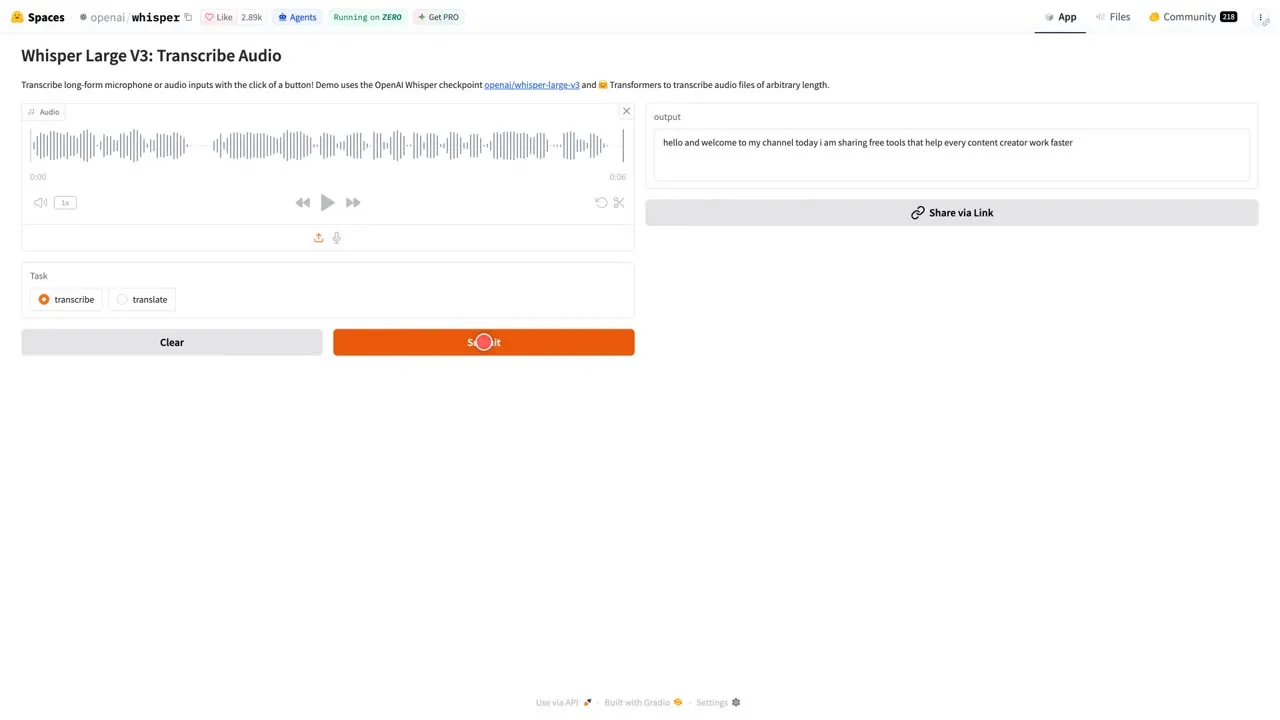
Upload audio, choose transcribe or translate, and press submit. It uses the Whisper Large v3 model, and the page says it handles audio of any length. It runs on a shared server, so skip it for private recordings and expect it to take a moment.
Link: huggingface.co/spaces/openai/whisper
11. Whisper Web
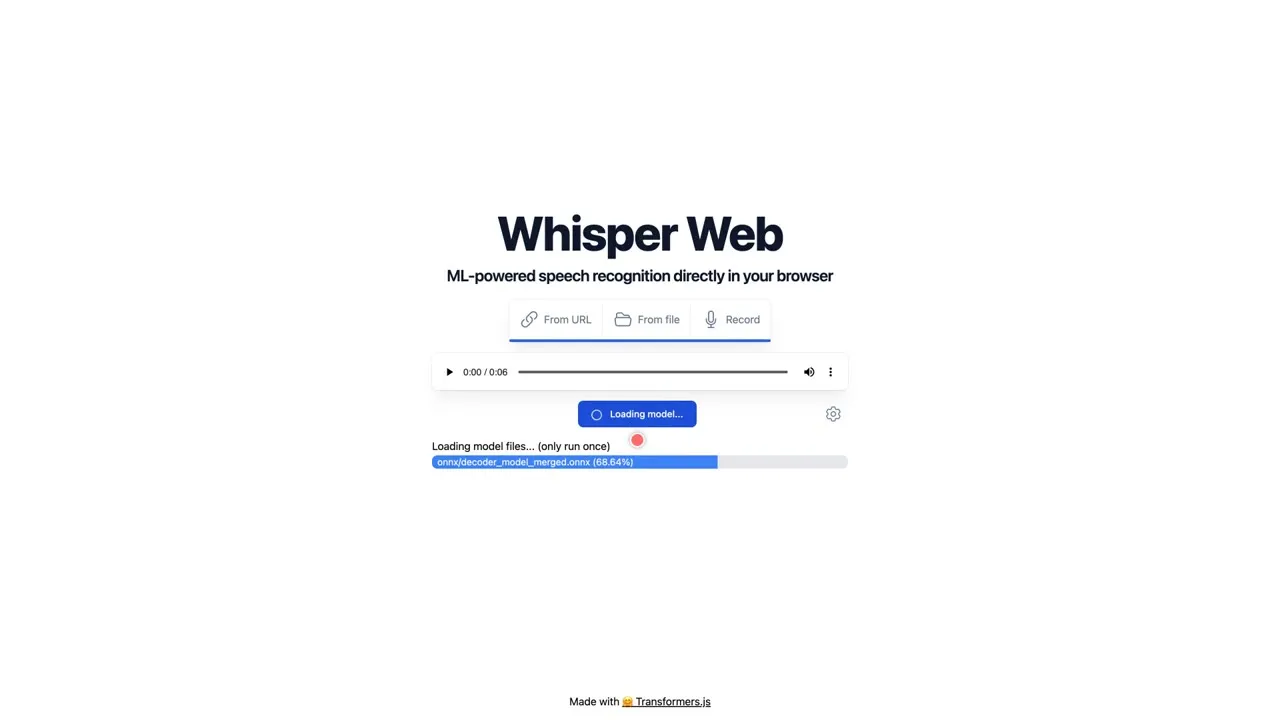
Whisper Web runs speech recognition directly in your browser. Choose a file or a link, or record your voice, then press transcribe. The first run downloads the model, so expect a short wait. A good choice when you don’t want to send audio to a server.
Link: huggingface.co/spaces/Xenova/whisper-web
12. SoftSubs
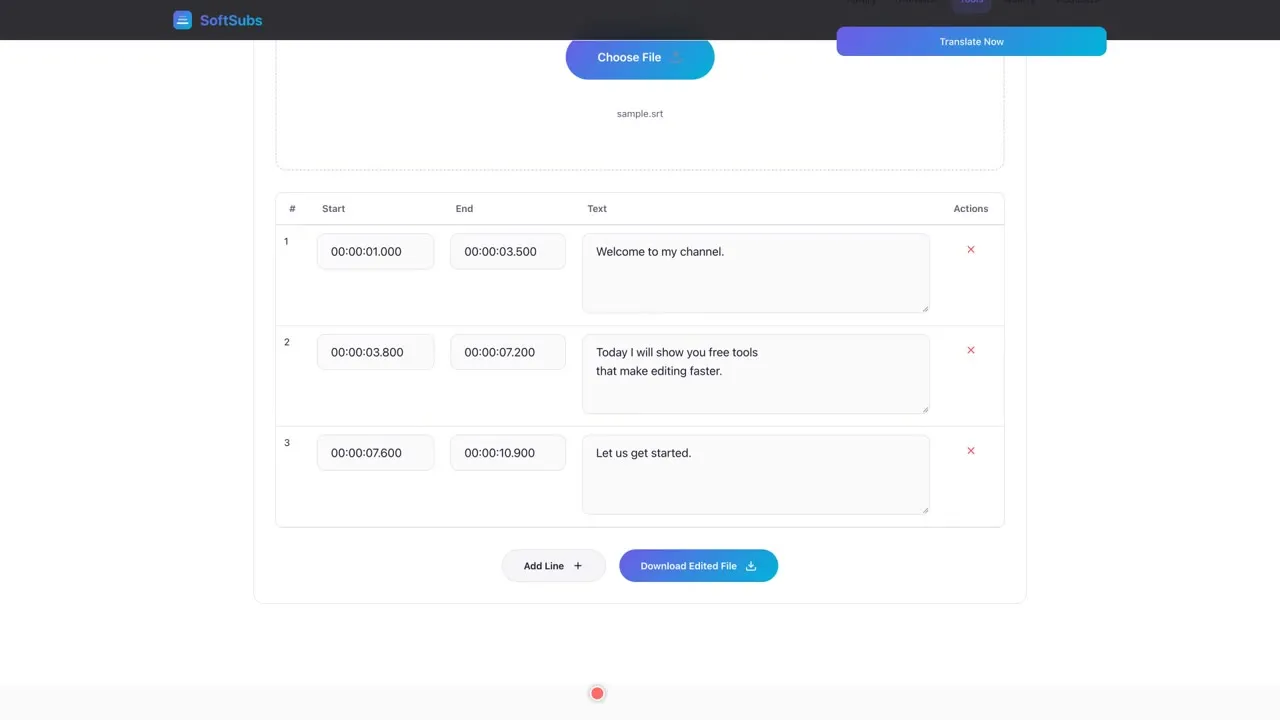
Four free subtitle tools: sync, convert, merge and an editor. Open an SRT or VTT file, fix typos, adjust timings, add or delete lines, then download the edited file. The site says everything runs in your browser, with no file size limits, no daily caps and no premium tiers.
Link: softsubs.pages.dev/tools
4 tips before you start
- Check the limits first, like file size and watermarks. Clideo, for example, adds a small watermark to free exports.
- For private footage, use tools that run in your browser, like AudioMass, the HappyScribe recorder, Whisper Web and SoftSubs.
- Keep your original file and edit a copy.
- Export a short test clip before you process a long video.
Free limits can change, so check each tool before you start.