8 Free Design Tools in Your Browser (No Install)
8 free browser design tools for creators: Excalidraw, diagrams.net, Mermaid Live, Carbon, ray.so, Vectorizer.AI, Shots and MockUPhone. What each one does, what is free, and the catch.
On this page
Thumbnails, diagrams, code screenshots and device mockups do not need a design subscription. A lot of the work can be done in a browser tab, for free, without installing anything.
Here are 8 free design tools that run in the browser. For each one I opened the site, made something real, and read its own pricing, terms or about pages. Where a page did not say something, I wrote “unclear” instead of guessing. I never created an account, never signed in, and never clicked an export or download button while testing.
Free tiers and limits change, so check the site’s own pages before you rely on one for client work.
At a glance
| # | Tool | Good for | Free to use? | Main catch |
|---|---|---|---|---|
| 1 | Excalidraw | Hand-drawn diagrams and sketches | Yes, free plan | Drawings are kept in your browser storage unless you save a file |
| 2 | diagrams.net (draw.io) | Flowcharts and technical diagrams | Yes, “free forever”, no sign-up | Save and export go through your own storage or download |
| 3 | Mermaid Live Editor | Diagrams from text | Yes, the editor is open source | The Save diagram button and pop-ups point to Mermaid’s paid platform |
| 4 | Carbon | Code screenshots | Yes | Ads on the page; commercial use of images unclear |
| 5 | ray.so | Code screenshots | Yes | Commercial use of images unclear |
| 6 | Vectorizer.AI | Turning images into vectors | Preview is free | Downloading results needs a paid plan |
| 7 | Shots | Mockups and backgrounds | Free plan exists | WebP and 6K export are marked PRO |
| 8 | MockUPhone | Phone mockups | Yes, “a free tool” | Needs your own screenshot; the mockup takes a while to appear |
1. Excalidraw
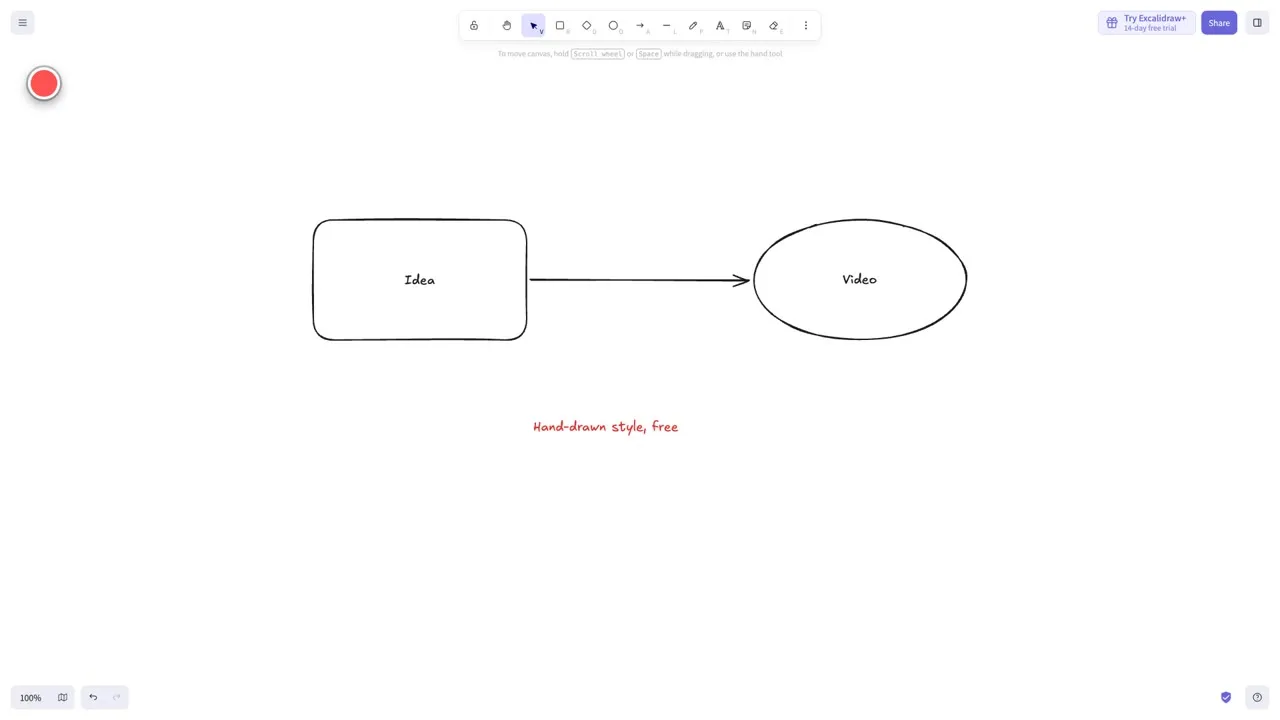
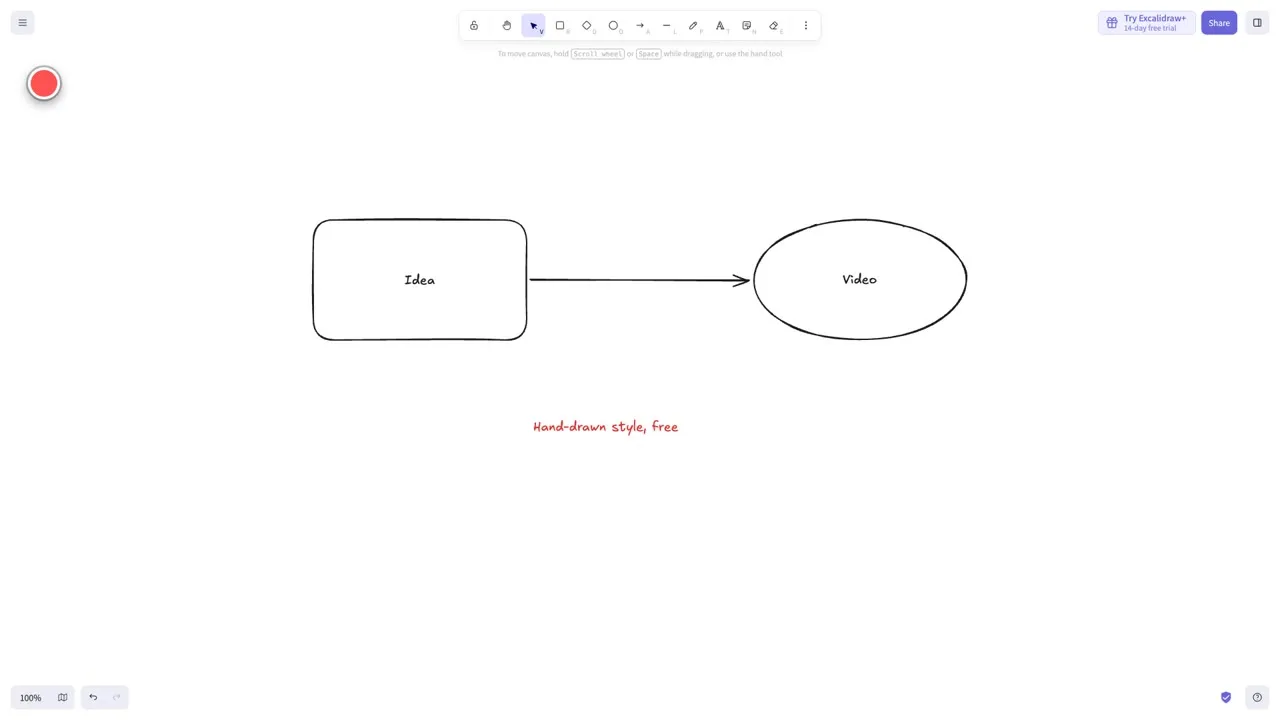
Excalidraw is a whiteboard with a hand-drawn look. In a few seconds I drew two shapes, an arrow between them and a text label, with no sign-in. The welcome screen warns that your drawings are saved in your browser’s storage, which can be cleared, and tells you to save your work to a file regularly.
The Excalidraw+ pricing page lists a free plan (“Free forever”) with the full editor, one infinite scene, unlimited collaborators, 10 AI requests a day, export to .png or .svg or save to file, and libraries. The paid Plus plan is $6 a month per user and adds cloud storage, more scenes and sharing. The code is open source under the MIT license. The pages I read do not say anything specific about commercial use of exported drawings, so that part is unclear.
Link: excalidraw.com | pricing
2. diagrams.net (draw.io)
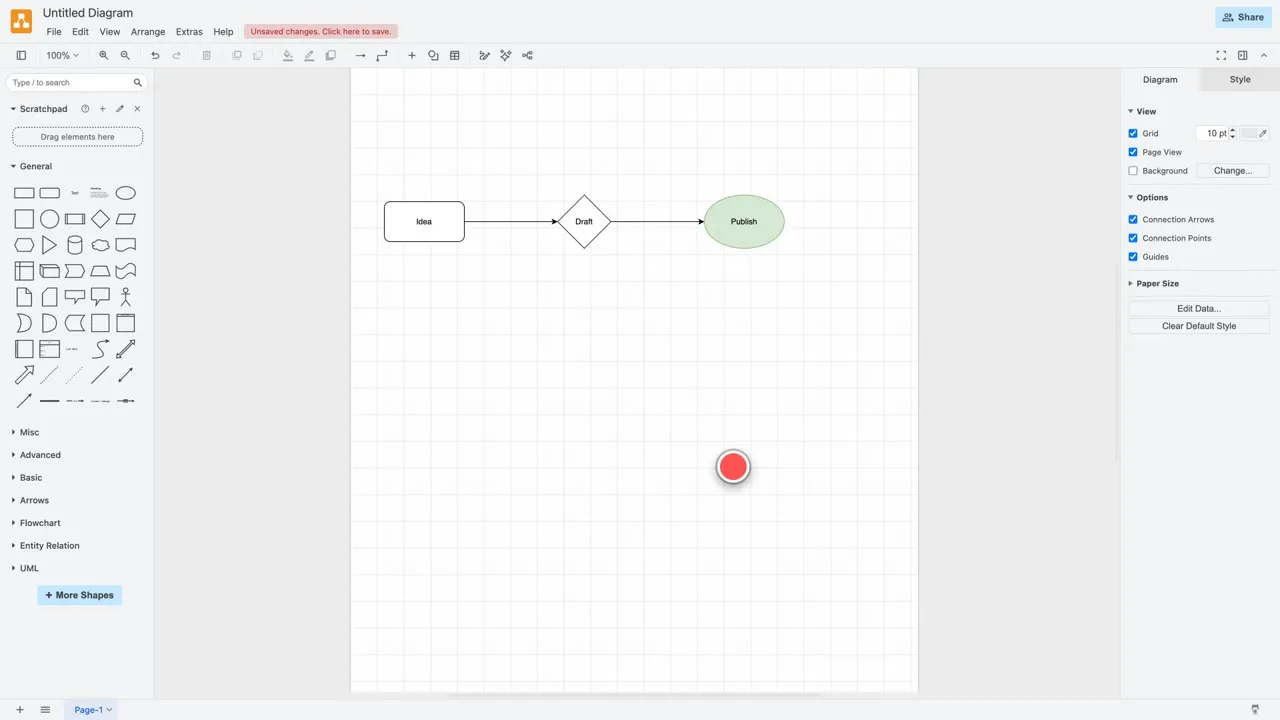
diagrams.net, also known as draw.io, is a full diagram editor. I clicked shapes from the sidebar, typed labels, connected them with arrows and changed a fill color. The File menu’s Export as list shows PNG, JPEG, WebP, animation, SVG, PDF, HTML, XML, URL and JSON.
The draw.io site says “Free forever • No sign-up required • No lock-in”, that the source code is Apache 2.0 licensed, and that your data stays with you because they can’t access it. The editor shows an “Unsaved changes” notice, so save or export what you want to keep. The pages I read do not state a rule on commercial use of exported diagrams, which is unclear.
Link: app.diagrams.net | drawio.com
3. Mermaid Live Editor
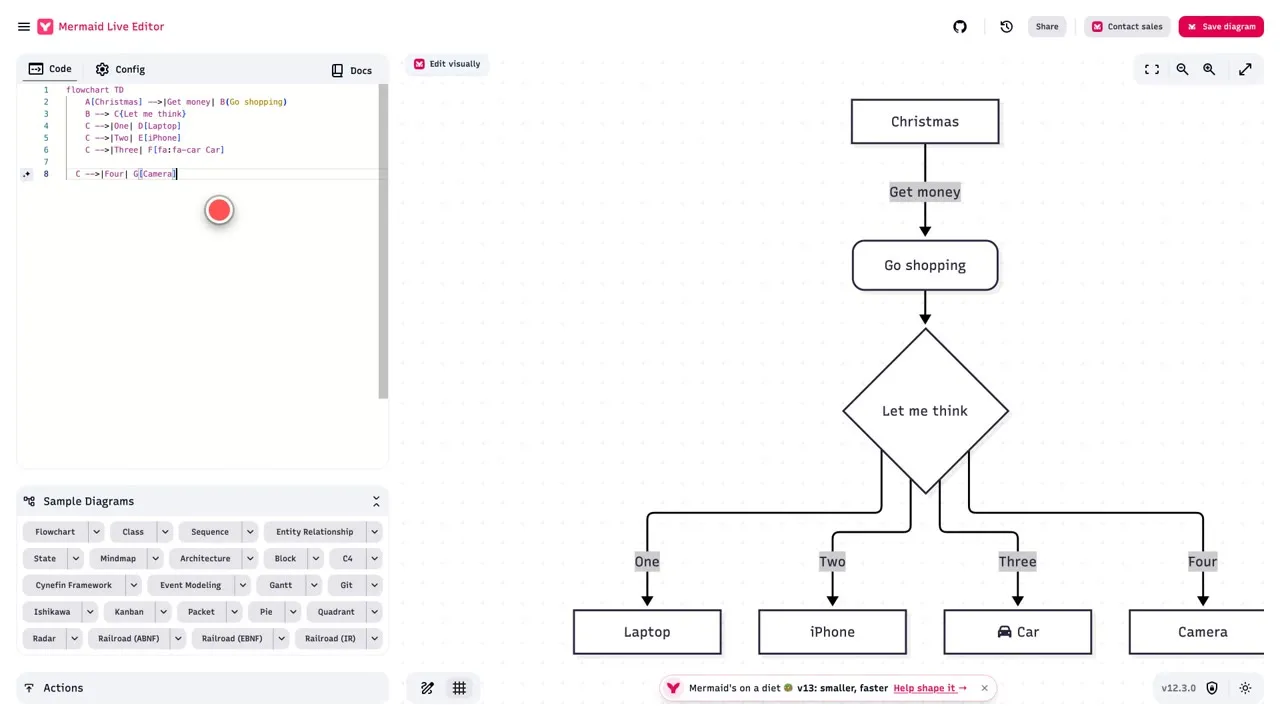
Mermaid turns text into diagrams. I added one line, C -->|Four| G[Camera], and a fourth branch appeared on the flowchart right away. I also switched to the sample sequence diagram. The Actions panel offers PNG, SVG, a Kroki link, copy image and copy Markdown.
The live editor is open source under the MIT license. A pop-up and the red Save diagram button point to Mermaid’s own platform: its pricing page lists a Basic plan with 3 diagrams and limited diagram size, and paid plans above it. The live editor also has Saved and Timeline panels, but I could not find where it stores them, so that is unclear.
Link: mermaid.live | Mermaid pricing
4. Carbon
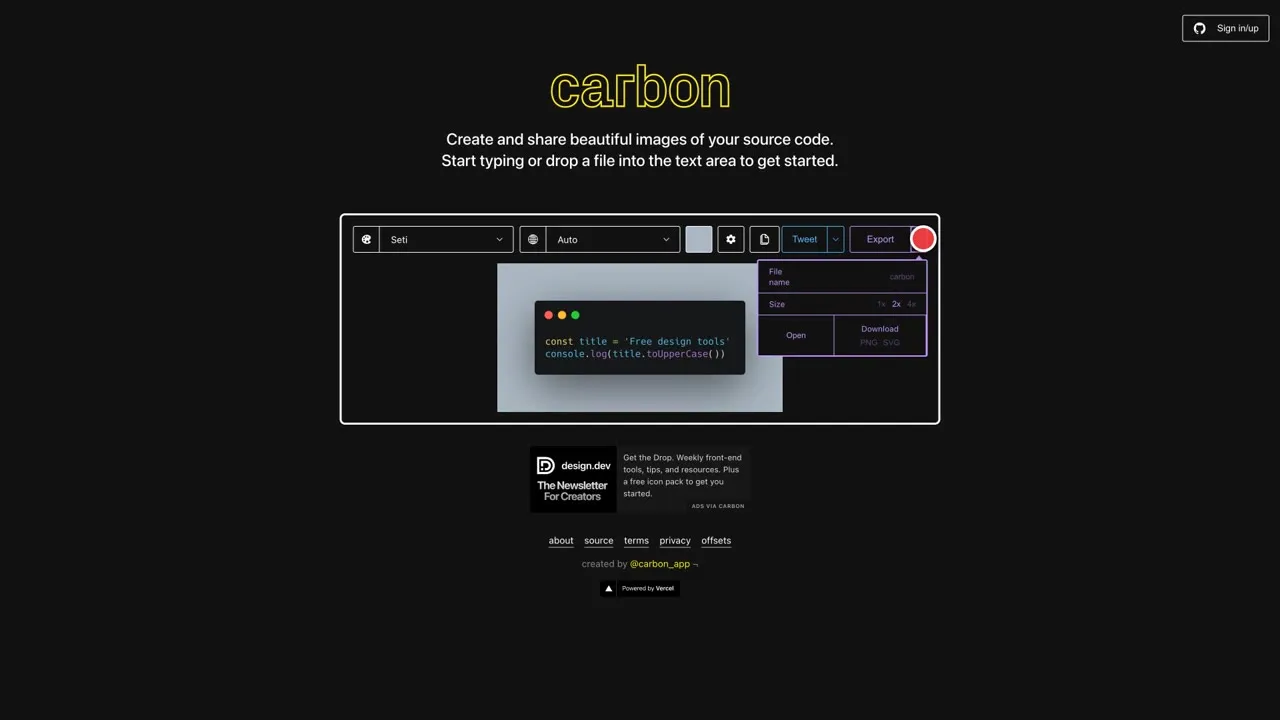
Carbon makes good-looking images of source code. I replaced the sample code with two lines, then changed the theme and opened the background color picker. The Export menu shows PNG and SVG downloads and 1x, 2x and 4x size options. The Sign in/up button is optional for trying it, and I did not use it.
The source code is MIT licensed, and the site shows an ad under the editor, so don’t click it by accident. Carbon’s terms of use are dated July 2019. Whether you can use exported images commercially is unclear from the pages I read.
Link: carbon.now.sh | terms
5. ray.so
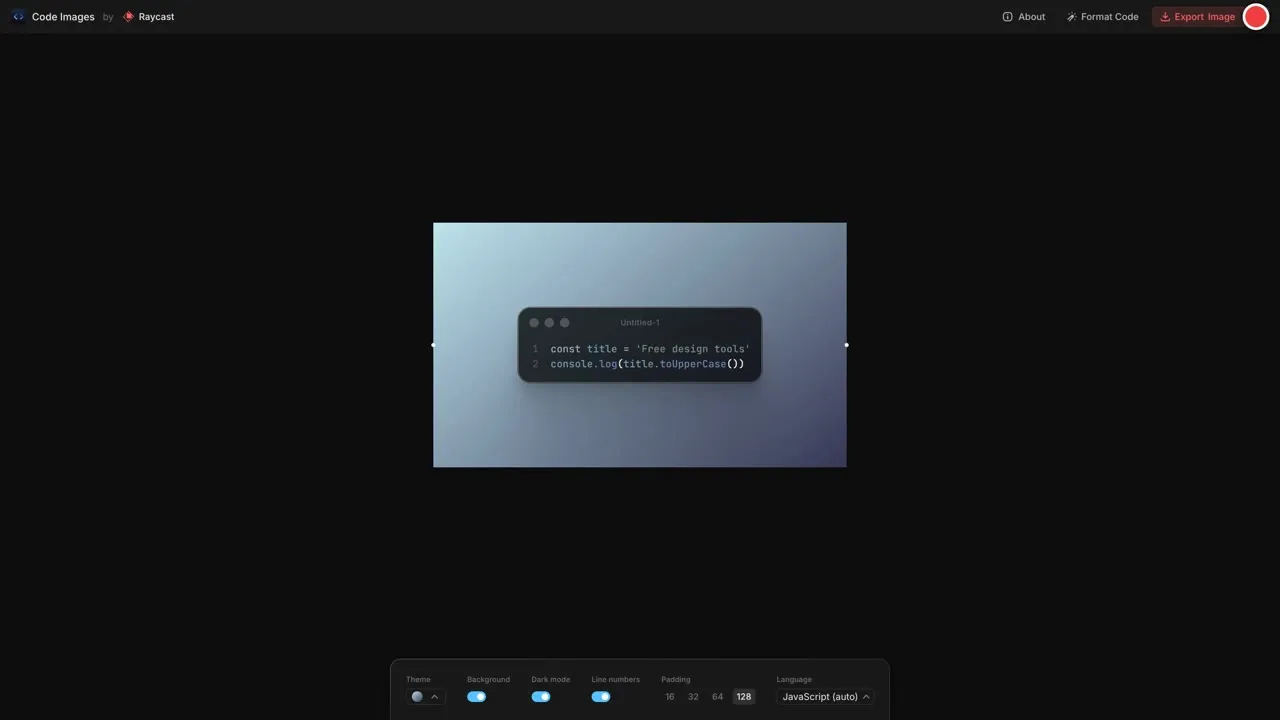
ray.so, from Raycast, also makes code images. I typed two lines, picked a different theme, switched on line numbers and set the padding to 128. The About box says you can save the image as a PNG or SVG or share a link to your code, and that you can change the resolution in the export menu. It is open source and available on GitHub under the MIT license.
I did not need an account. The pages I read do not say anything about commercial use of the exported images, so that is unclear.
Link: ray.so
6. Vectorizer.AI
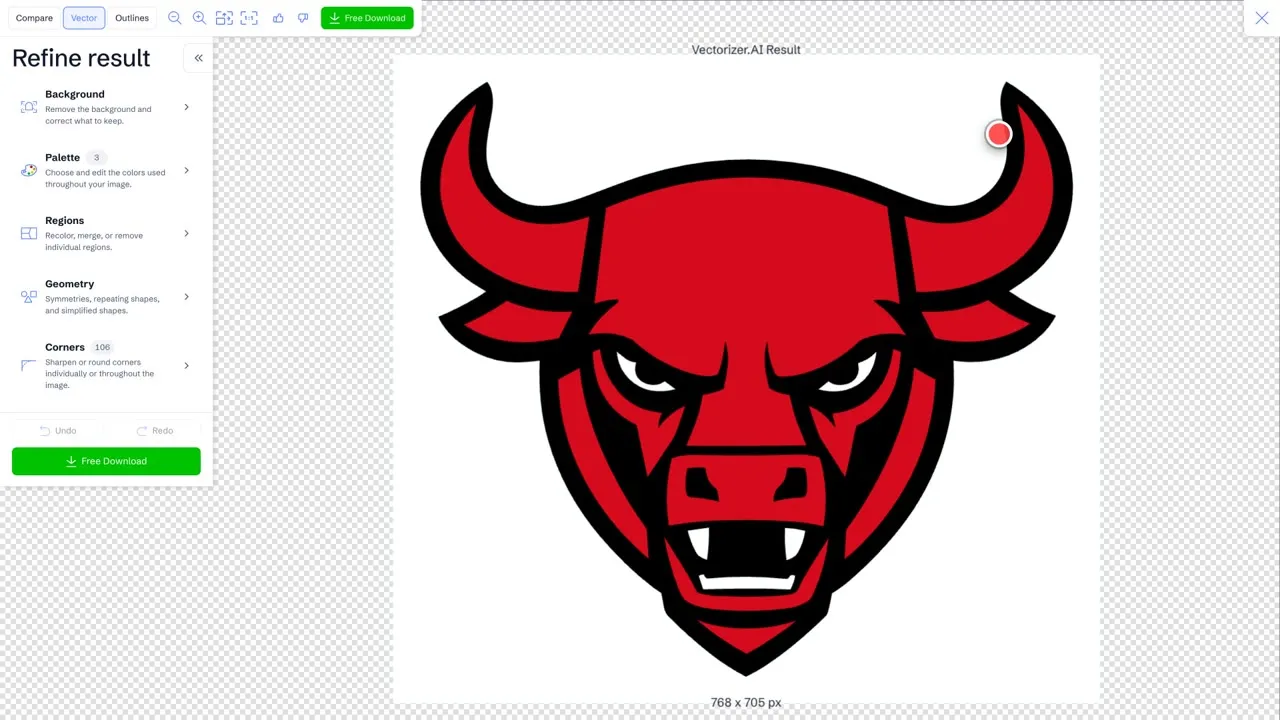
Vectorizer.AI converts bitmap images (PNG, JPG, GIF, BMP, WebP) into vectors. I used the “Vectorize this example” button, which runs the site’s own sample, and switched between the Compare, Vector and Outlines views. The refine panel lets you adjust the palette, regions, geometry and corners. I only used the built-in example, not my own files.
The home page calls it a free interactive preview and says you download only when you are happy. The pricing page says you can upload, vectorize and preview as many images as you like without commitment, then subscribe when you are ready to download production results. The Web App plan is $9.99 a month. The green button in the editor is labeled Free Download, so read the pricing page first. I did not click it.
Link: vectorizer.ai | pricing
7. Shots
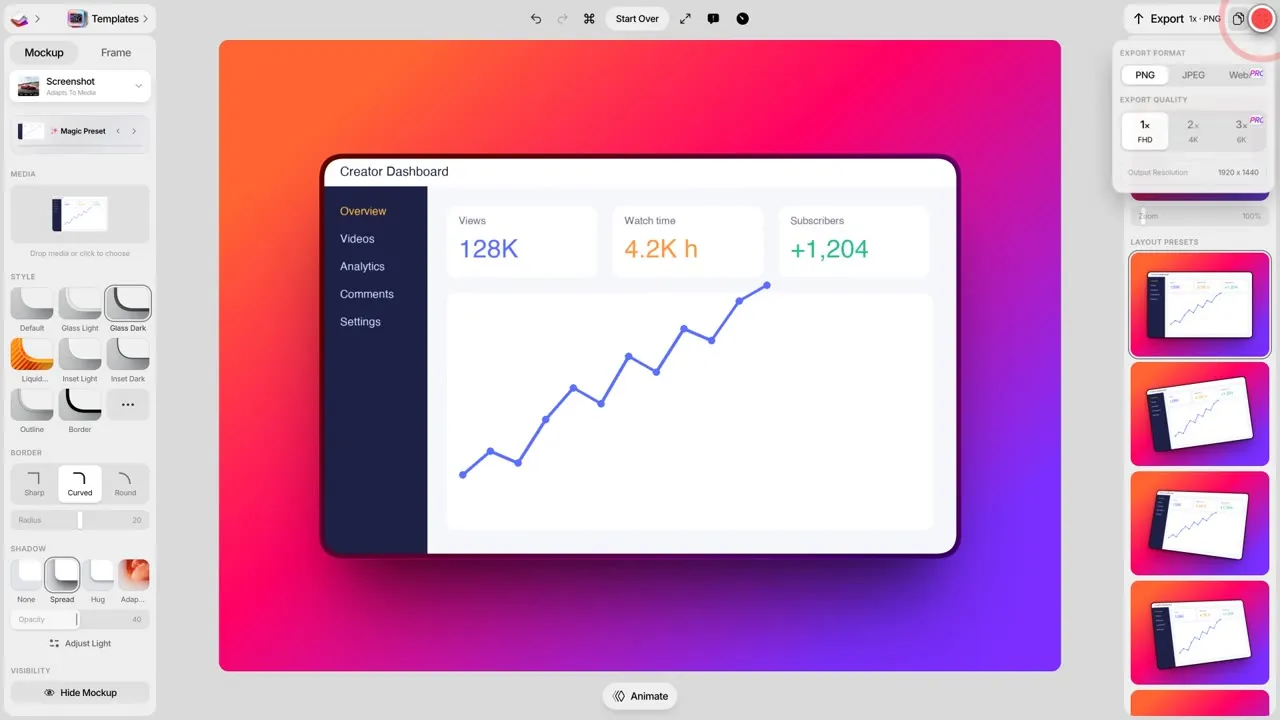
Shots turns a screenshot into a mockup on a styled background. I opened the editor without signing in, added a synthetic dashboard image, picked a glass style and tried a few layout presets. The export panel offers PNG and JPEG, with 1x (FHD) and 2x (4K) quality, while WebP and 3x (6K) are marked PRO. The watermark option was set to “No watermark” when I opened it. I did not export, so I did not check a finished file.
Shots’ terms say there are Free, Basic and Pro plans, with the limits on a pricing page. I could not find that pricing page at shots.so/pricing, so the exact free limits are unclear. The terms also say you keep your rights in your content.
8. MockUPhone
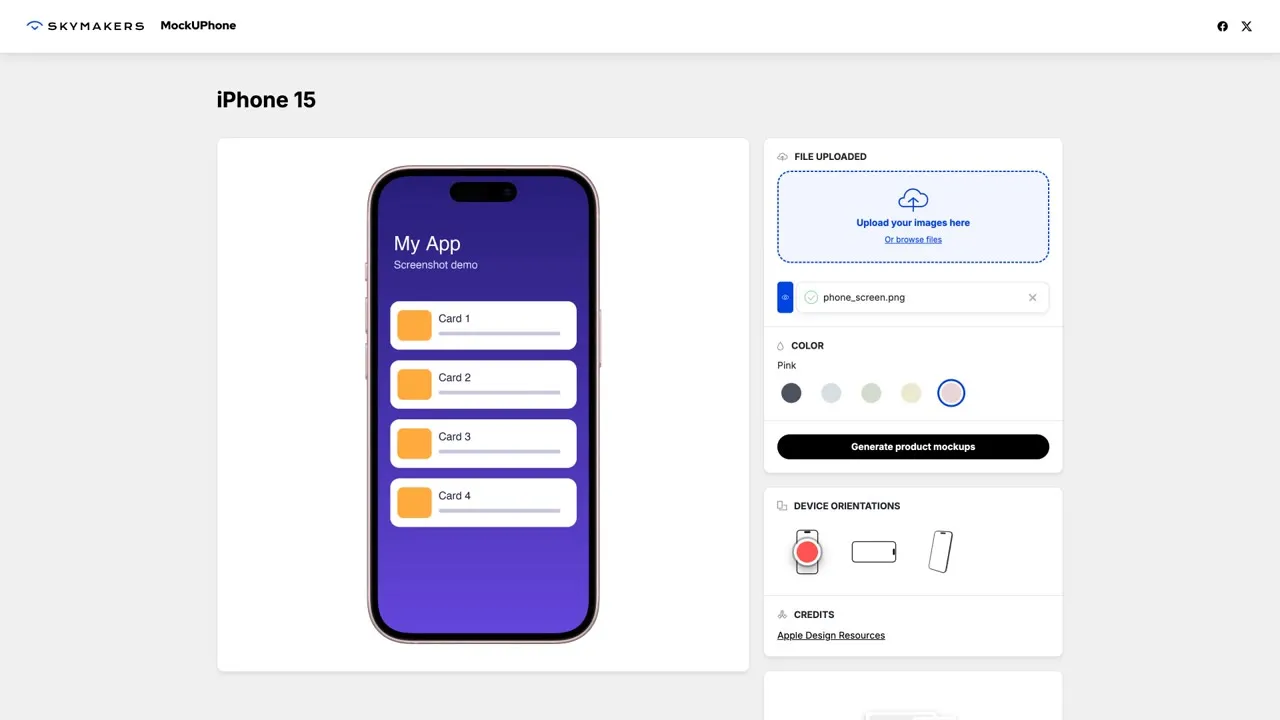
MockUPhone wraps your screenshot in a phone frame. I picked the iPhone 15, uploaded a synthetic screenshot and it appeared inside the frame after a short wait. The site recommends a 1179 by 2556 pixel image in JPG, PNG or PSD, and has color and orientation options before you press Generate product mockups. I did not press it.
The About page calls it “a free tool” and says it is open-sourced. The Attribution page says art generated by MockUPhone is licensed under Creative Commons Attribution 3.0, and no particular form of attribution is required, but the page suggests a minimal mention such as noting in your project that assets were made with MockUPhone. I did not check where the upload is processed, so that is unclear.
Link: mockuphone.com | attribution
Tools I left out
I also tried Photopea, Pixlr and Pika. Photopea’s editor went blank as soon as my automated browser moved the mouse, so I could not show it honestly. Pixlr opened with a large promo pop-up, and its pricing page lists ad-free and unlimited saves under the paid plans, so I did not include it. Pika’s pricing page lists Pro, Team and Lifetime plans, and one Pro feature is “No Pika.style watermarks”, so it did not fit a free list.
Before you use an export
- Check the export settings (format, size, watermark) before you build a whole design around them.
- Save a file copy of anything stored in the browser. Browser storage can be cleared.
- Read the license or terms if the image will be used in client work or a product.
- Don’t click the ads or “free download” buttons that are really upsells.
Limits and prices change, so treat this page as a snapshot of what each site said on the day I checked.