5 Free Background Remover Tools (No Sign-Up)
5 free websites that remove the background from an image without an account, with the free size limits, daily limits, watermark and upload notes I checked on each site.
Removing the background from a photo used to mean careful tracing in an editor. Now a website can do it in seconds. The catch is in the limits: some tools give you a small preview for free and charge for the full size, some cap you per day, and every one of them uploads your image to a server.
I tested five free background remover websites with a synthetic test image (a drawn apple, so no one’s photo was involved). I did not create accounts, did not download any files and did not click any ads. Each fact below comes from the site’s own pages or what I saw on screen. Where a page did not say, I wrote “unclear”. Limits change often, so check the site before you rely on it.
At a glance
| # | Site | Account to try it? | Free output | Daily or other limit | Watch out for |
|---|---|---|---|---|---|
| 1 | Removal.ai | No | Preview, 600 x 450 px in my test | No limit stated on the free preview | HD download uses credits |
| 2 | Slazzer | No | Free preview (up to 0.25 MP) | 2 free credits for an account | HD needs credits |
| 3 | Pixelcut | No (says no sign-up) | Says free HD, no watermark | Not stated on the tool page | Editor page opens after upload |
| 4 | BgEraser | No | Transparent PNG | Says no usage limits, up to 20 files | Files deleted within 2 hours; ads on the page |
| 5 | withoutBG | No | PNG cutout | 5 free images a day | Free demo is limited; API needs credits |
The five tools
1. Removal.ai
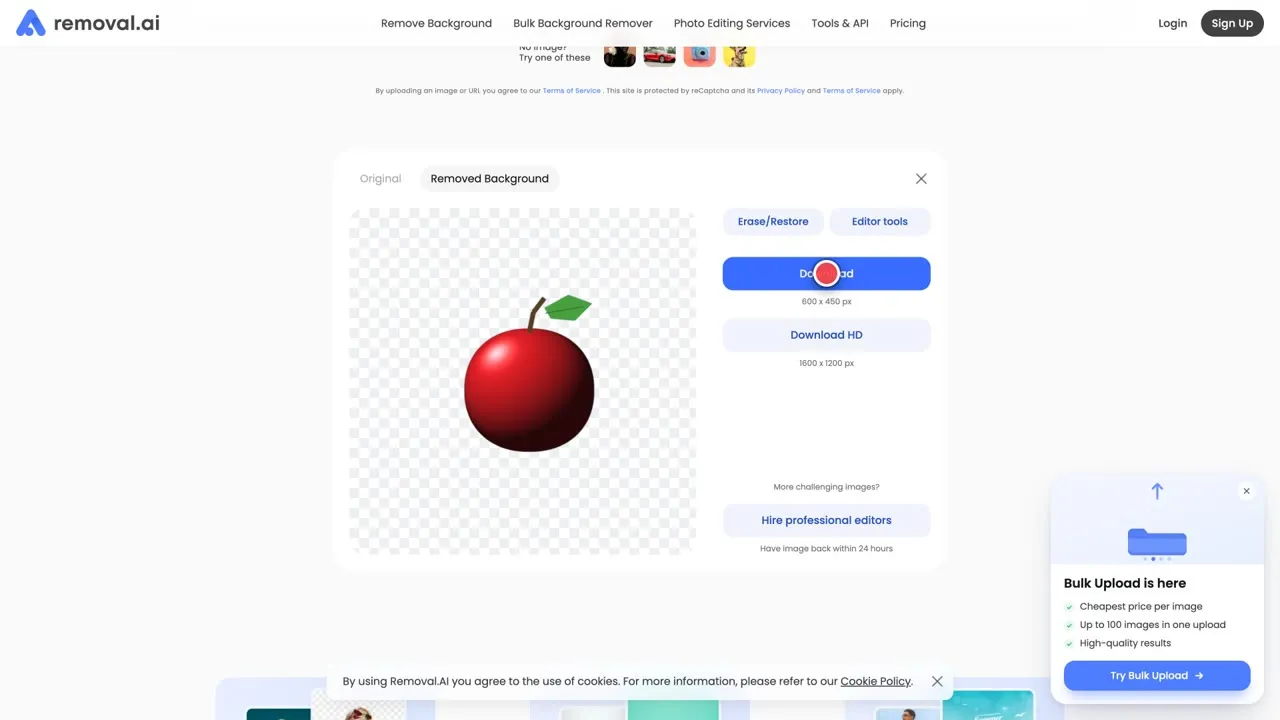
Upload an image and the cutout appears with a before and after view. The free Download button was labeled 600 x 450 px for my 1600 x 1200 test image, and Download HD was labeled 1600 x 1200 px. The help center says that without an account you get a preview right away and can download it in low resolution for free, with no limit on how many images you process. Full resolution uses credits, which the pricing page sells. The privacy page says uploaded and result images are deleted within one hour.
Link: removal.ai | Pricing
2. Slazzer
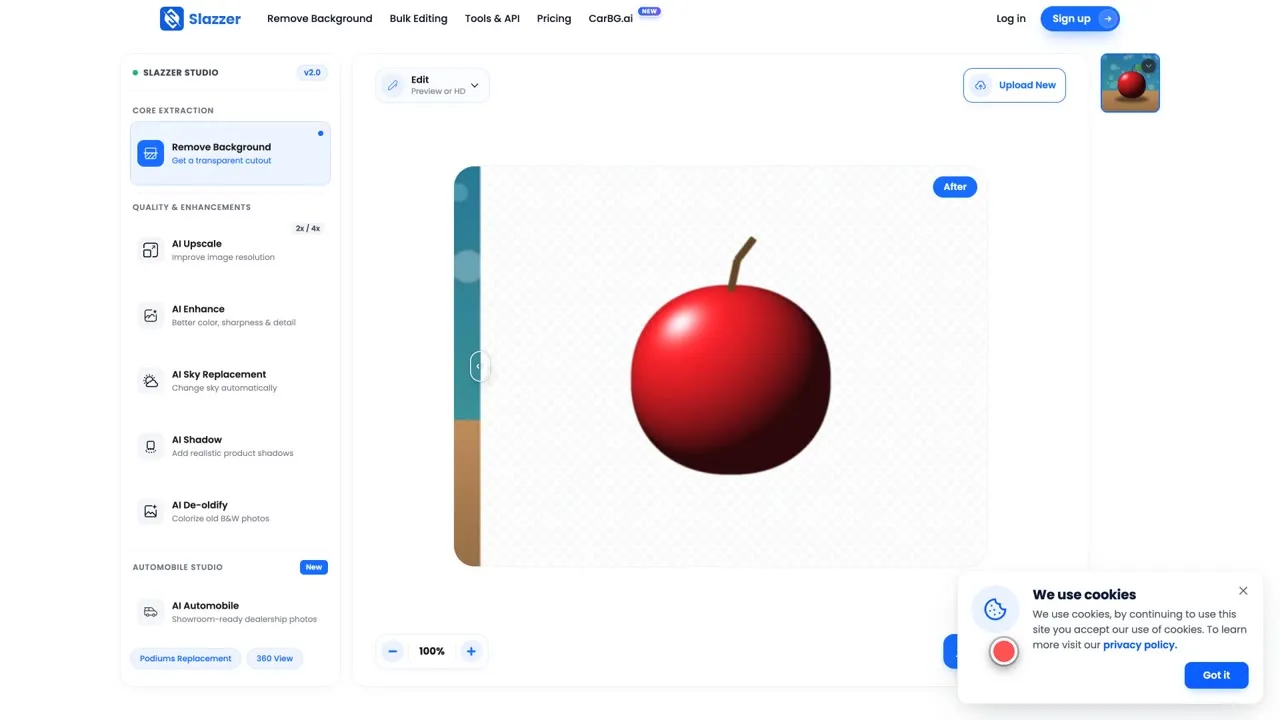
Slazzer opens an editor right after the upload and shows the cutout. Its pricing page lists a free plan with 2 free credits and “Unlimited free previews on slazzer.com”. A preview image is capped at about 0.25 megapixels (for example 625 x 400), while an HD image costs 1 credit. The editor showed a “Sign up and get this image for free” prompt, so expect an account for full size. Whether the preview itself downloads without an account is unclear from what I saw.
Link: slazzer.com | Pricing
3. Pixelcut
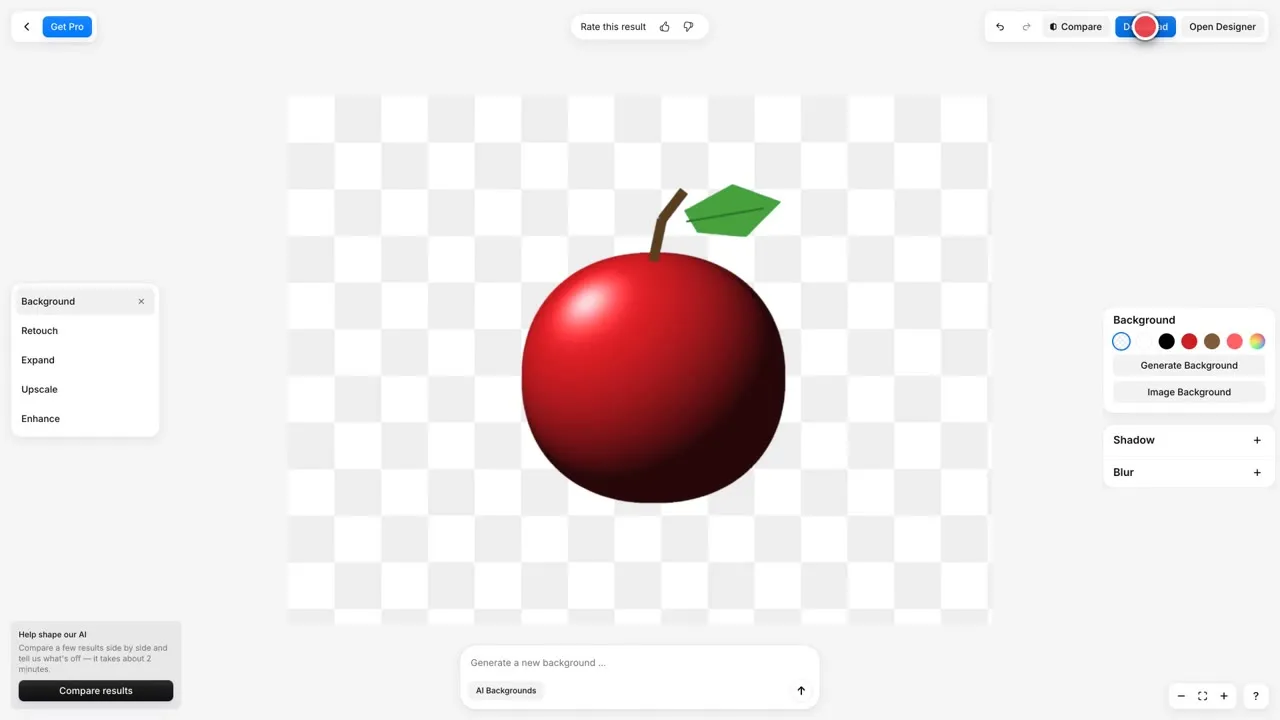
Pixelcut’s tool page promises a “Free HD Download”, “No watermark” and no sign-up, and accepts JPG, PNG and HEIC up to 50 MB and 6000 x 6000 px. After the upload it opens a small editor with a transparent background, background colors and shadow and blur options. I did not click Download, so I can’t confirm the exact output size. The page does not state a daily limit.
Link: pixelcut.ai/background-remover
4. BgEraser
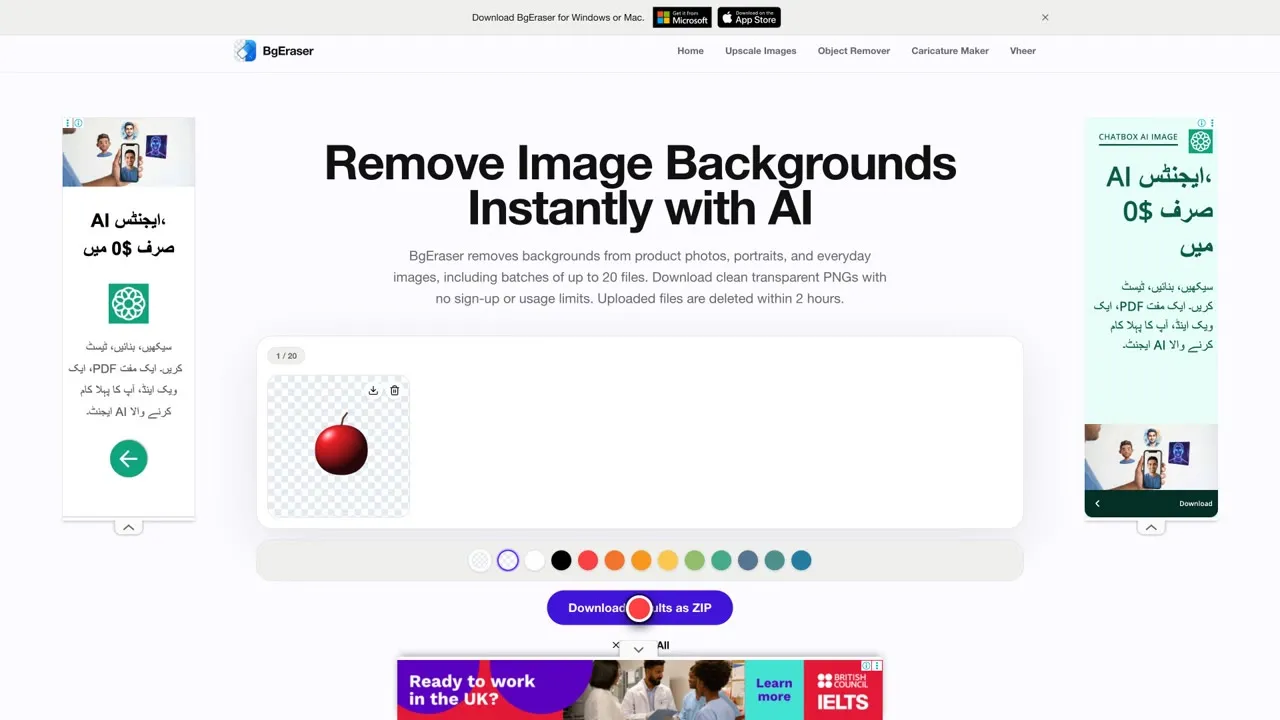
BgEraser works in batches of up to 20 JPG, PNG or WebP files. You add the images, press Remove Background, and download the PNG results, or all of them as a ZIP. The page says “no sign-up or usage limits” and that uploaded files and results are deleted within 2 hours. Its FAQ says processed images can be used commercially as long as you have the right to edit and use the original. Processing was slow in my test, and the page shows ads.
Link: bgeraser.com
5. withoutBG
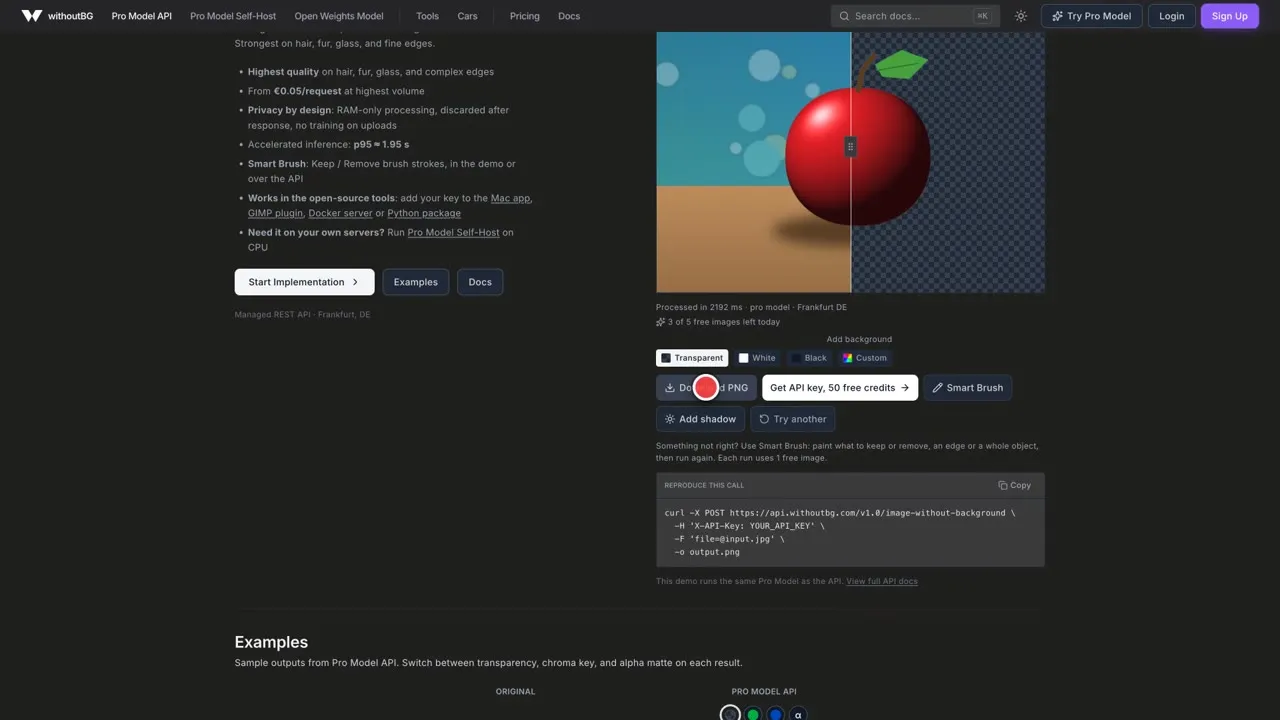
withoutBG is an API and an open model with a browser demo. The demo says “5 free images a day, no signup” and showed a counter of how many were left. Its pages say uploads are never used for training. The open-weight model is Apache-2.0 and the site says commercial use is permitted, while the Pro API gives 50 free credits on signup and then charges. The demo takes JPEG, PNG, WebP and AVIF.
Link: withoutbg.com
Sites I left out
Some tools did not pass my no-account, no-bot-check rule. Clipdrop asked me to sign in or sign up after I pressed Remove background, Photoroom showed a “Verify you are human” check on the tool, and Freepik’s (Magnific) tool allows 1 image per day, which my own testing used up. Canva, Fotor and PicWish produced a cutout, but I could not confirm from the pages whether downloading needs an account, so I left them out. remove.bg shows a notice that its standalone website is moving to Canva from 1 December 2026.
Before you upload
- Remember it is an upload. Your image goes to a server. Check the site’s deletion period (one hour, 2 hours and so on) before you use a private photo.
- Check the size you actually get. A free preview can be much smaller than your original.
- Look for watermarks and daily limits before you build a workflow around a tool.
- Check the right to use the original image, not just the tool’s terms.
Free tools and their terms can change, so check each site’s own pages before you rely on one.